

More than 80% of homes in the United States now have TVs connected to the internet. This big change is moving people away from cable to streaming technology. Today, people want more choices in their home entertainment than ever.
Internet protocol television lets users find shows easily from one digital spot. Choosing an iptv smart option means seeing all your favorite channels in one place. It makes enjoying great content on modern screens easy.
Watching TV should be fun and simple for every family. Now, you can say goodbye to the old, bulky boxes and wires. With the right guide, setting up these tools is simple for anyone.
Key Takeaways
- Master the basics of internet protocol television for your home system.
- Learn why modern streaming technology is taking over the market so fast.
- Organize all your digital channels into one easy and sleek hub.
- Boost your overall viewing quality by using the right setup steps.
- Ensure your home network is ready for high-quality live video feeds.
- Explore the features of your new screen for a better user experience.
1. Preparing Your Smart TV for IPTV Installation
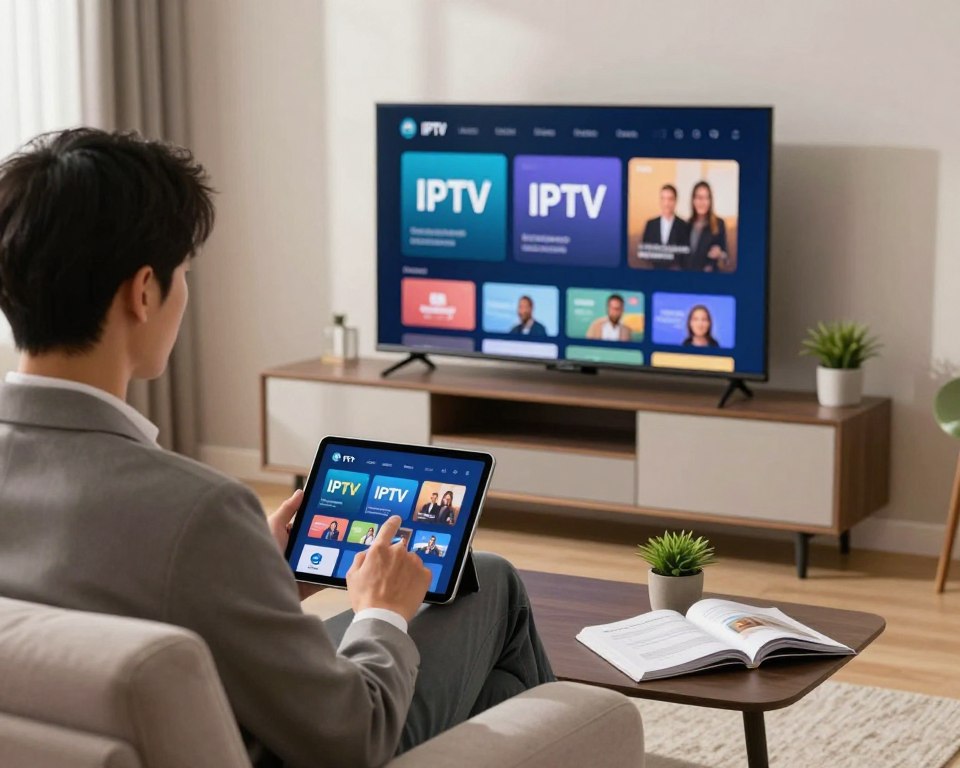
Getting your smart TV ready for IPTV is important for a great viewing experience. It’s key for a smooth installation and enjoying your IPTV service fully.
Checking Your Smart TV Compatibility
First, check if your smart TV works with IPTV services. Different TVs use different systems, and not all support IPTV apps.
Android TV Devices
For Android TV devices, checking is easy. Most modern Android TVs can use IPTV apps. Just make sure your TV’s Android is up-to-date to avoid problems.
Proprietary Operating Systems
For TVs with proprietary operating systems like Tizen (Samsung) or webOS (LG), it’s a bit trickier. You must see if your TV model can use the IPTV app you want. Some providers have apps for these systems.
Ensuring Stable Internet Connection Requirements
A fast, stable internet is essential for IPTV. IPTV services need a certain speed to stream without interruptions. The needed speed depends on the stream quality: SD needs about 5 Mbps, HD around 10 Mbps, and 4K can need 25 Mbps or more.
| Streaming Quality | Recommended Internet Speed |
|---|---|
| SD | 5 Mbps |
| HD | 10 Mbps |
| 4K | 25 Mbps |
Selecting the Best IPTV Provider
Picking the best IPTV provider is important for a good viewing experience. Look for providers with lots of channels, stable streams, and good customer service. Think about price, content, and TV compatibility.
- Check the provider’s reputation and customer reviews.
- Make sure they have the channels and content you want.
- Check the stream quality and internet speed needed.
By following these steps, you can get your smart TV ready for IPTV. This will give you a smooth and enjoyable viewing experience.
2. Step-by-Step IPTV Smart TV Setup Process
Setting up IPTV on your Smart TV is easy. You just need to install the right app, enter your subscription details, and organize your channels. This makes watching TV a breeze.
2.1. Installing the IPTV App on Your Smart TV
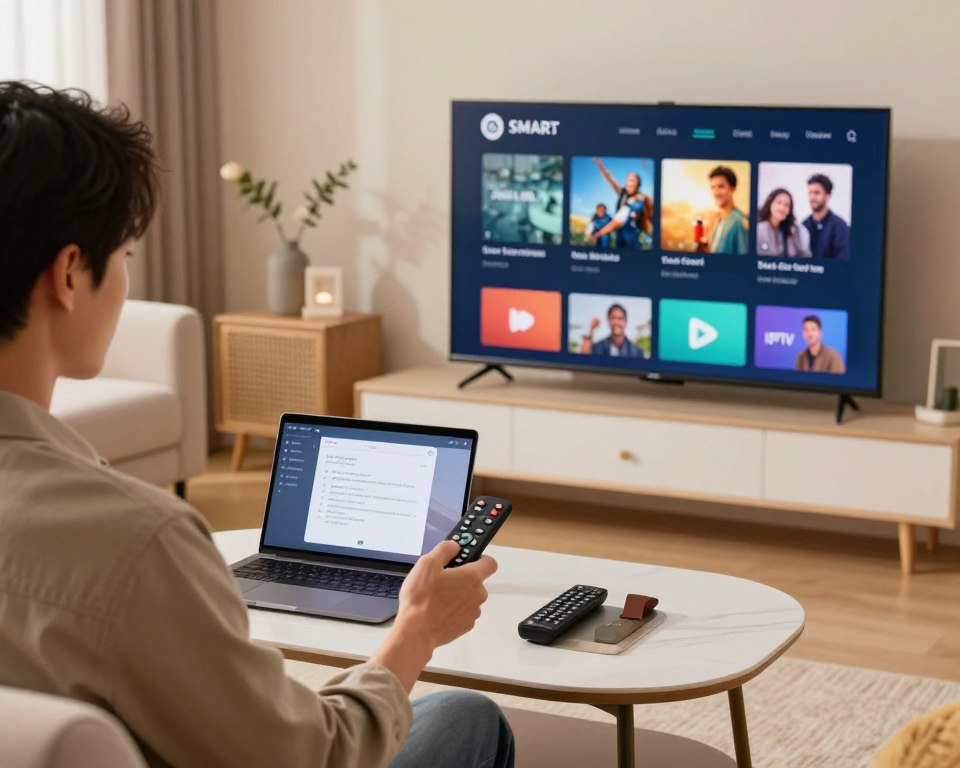
The first thing to do is install an IPTV app. There are many apps out there, each for different Smart TVs.
2.1.1. Popular IPTV Apps for Smart TVs
Smart IPTV, IPTV Smarters, and GSE Smart IPTV are top choices. They’re easy to use and work well with many TVs.
2.1.2. Downloading and Installing Your Chosen App
To get an app, go to your TV’s app store. Search for the app and follow the instructions. Make sure it fits your TV’s system.
2.2. Configuring Your IPTV Subscription Credentials
After installing, you need to put in your subscription info. This lets you watch your favorite channels.
2.2.1. Adding M3U Playlist URLs
Your provider will give you an M3U URL. Open your app, go to settings, and enter the URL. This connects your subscription to the app.
2.2.2. Setting Up EPG (Electronic Program Guide)
An EPG shows TV schedules. To set it up, enter your provider’s XMLTV URL in the app’s EPG settings.
| Setting | Description | Example Value |
|---|---|---|
| M3U URL | Link to your IPTV playlist | http://example.com/playlist.m3u |
| XMLTV URL | Link to your EPG data | http://example.com/epg.xml |
2.3. Organizing IPTV Channels and Favorites
Once set up, you can organize your channels. This makes watching TV more personal.
2.3.1. Optimizing Streaming Quality Settings
Adjusting streaming quality can enhance your viewing. Look for settings in the app to choose your preferred quality.
2.3.2. Managing Channel Lists and Categories
Most apps let you create favorite lists and categories. This makes finding your favorite channels easy.
By following these steps, you can enjoy a customized IPTV experience on your Smart TV. You’ll have access to many channels and on-demand content.
3. Conclusion
With a premium IPTV service, users get a smooth viewing experience on their smart TVs. They can install a smart TV app to watch live TV and on-demand content. This makes it perfect for home entertainment.
Looking for affordable IPTV smart plans is key for high-definition streams. The best service offers many iptv smart channels and features. This caters to all kinds of viewer tastes.
By following this guide, users can explore endless entertainment options. With the right IPTV service, watching favorite shows and movies in high definition is easy. Their smart TV becomes the main hub for digital media.