
Millions of people around the world are choosing IPTV for their TV needs. Adding it to Plex makes watching TV even better. Plex lets users easily watch live TV and on-demand shows.
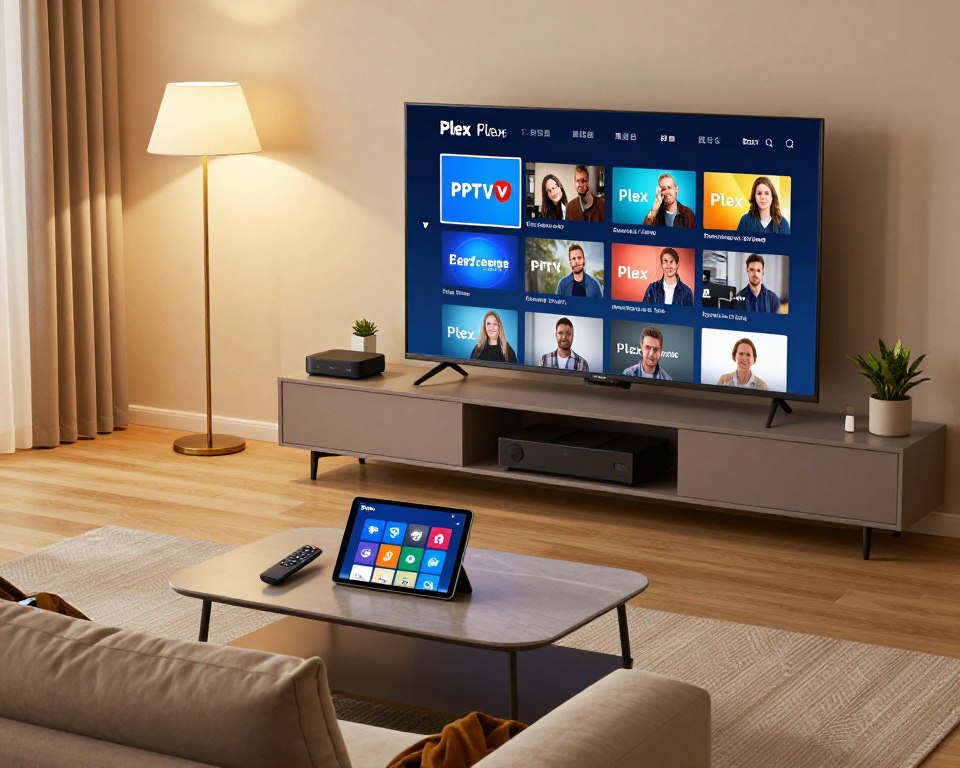
Setting up IPTV on Plex is easy. This means users can enjoy their favorite shows and channels without any trouble. It combines IPTV’s great features with Plex’s easy-to-use interface.
Just follow a simple guide to set up IPTV on your Plex media server. This opens up a whole new world of entertainment for you.
Key Takeaways
- IPTV integration with Plex enhances the viewing experience.
- The setup process is simple and straightforward.
- Users gain access to live TV and on-demand content.
- Plex’s user-friendly interface makes navigation easy.
- Combining IPTV with Plex unlocks a wide range of entertainment options.
What You Need Before Adding IPTV to Plex
Knowing what you need is key for a smooth Plex IPTV integration. Make sure you have everything before you begin.
Plex Media Server Requirements
You need a working Plex Media Server to start. This server helps manage and stream your media. You’ll need a computer or NAS with good processing and storage.
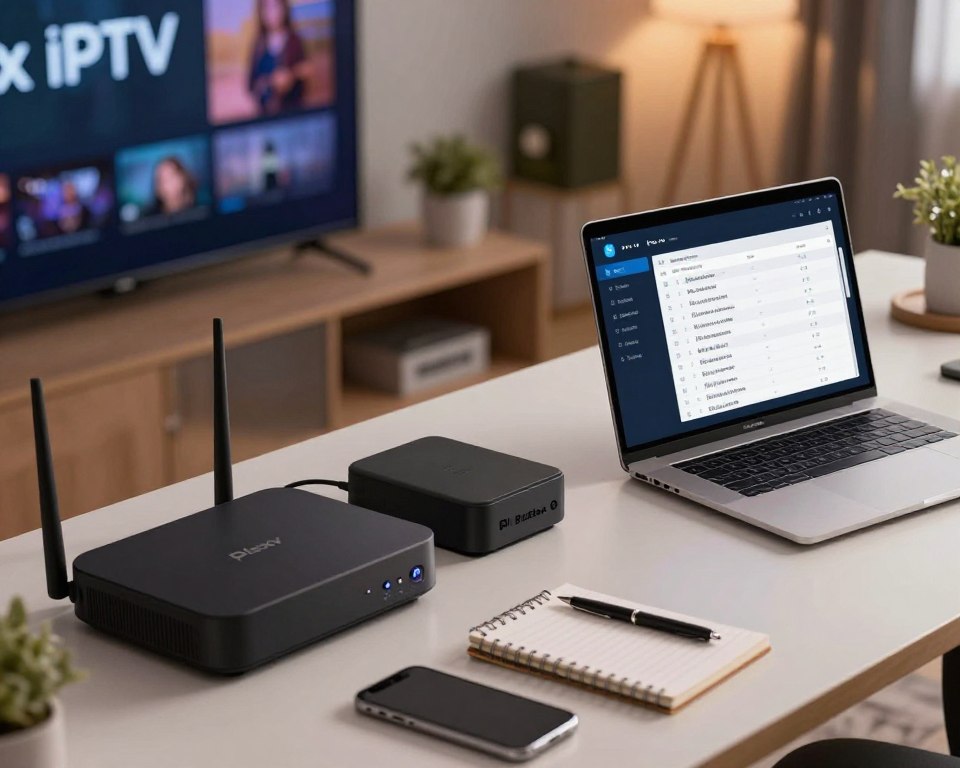
IPTV Subscription and M3U Playlist URL
You must have an IPTV subscription to watch channels. You also need an M3U playlist URL from your IPTV provider. This URL links to your IPTV content.
Keep this URL safe, as it gives access to your channels.
Compatible Devices and Network Setup
Make sure your devices work with Plex and have the right apps. A solid network is also important for streaming. Your network should handle multiple streams without lag.
Think about your internet quality and router power.
Meeting these needs will get you ready to add IPTV to Plex. Then, you can enjoy your favorite channels easily.
How to Add IPTV to Plex: Step-by-Step Guide
Plex users can easily add IPTV to their media experience. Just follow these simple steps. This guide will help you set up IPTV on Plex smoothly.
Step 1: Install the Plex IPTV Plugin or Use Live TV Feature
To begin, you can install a Plex IPTV plugin or use Plex’s Live TV feature. The Live TV feature is a built-in option that makes it easy.
Accessing Plex Settings
First, go to your Plex settings. Look for the Live TV and DVR options in the settings menu.
Enabling Live TV and DVR
Enable Live TV and adjust the DVR settings as needed. This is key for setting up your IPTV service.
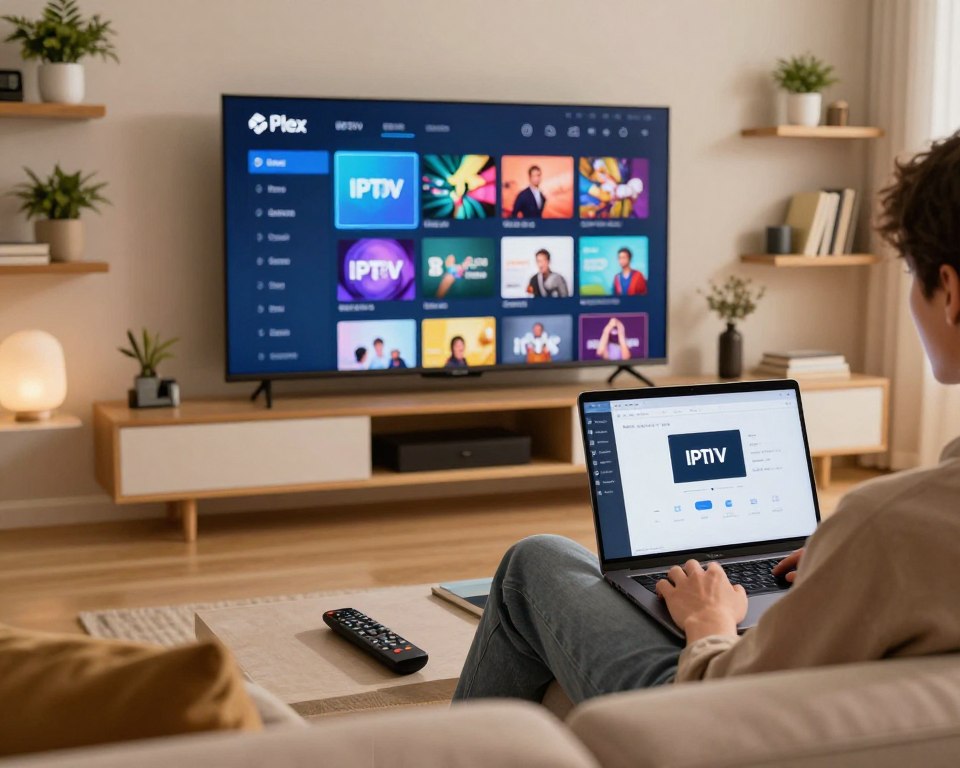
Step 2: Configure Your IPTV M3U Playlist
Configuring your IPTV M3U playlist is essential. You’ll need to add the M3U URL to Plex and set up the Electronic Program Guide (EPG).
Adding the M3U URL to Plex
Enter your IPTV provider’s M3U URL in Plex settings. Make sure the URL is correct to avoid problems.
Setting Up EPG (Electronic Program Guide)
Setting up the EPG gives you a schedule of upcoming programs. This makes your IPTV experience better by showing you what’s coming up.
Step 3: Organize and Access Your IPTV Channels
After setting up your IPTV M3U playlist, organize and access your channels. This means scanning for channels and customizing your lineup.
Channel Scanning and Verification
Plex will scan for channels based on your M3U URL. Check that the channels work and make any needed changes.
Customizing Channel Lineup
Customize your channel lineup to fit your taste. Rearrange channels and remove any you don’t want, making your IPTV experience personal.
Conclusion
Following the steps in this guide makes adding IPTV to Plex easy. This enhances your entertainment experience. The setup process is simple, allowing you to watch live TV and on-demand content in one place.
For those wanting more media options, the adding iptv to plex tutorial is a great resource. It shows how to integrate IPTV with Plex. This makes accessing content easier and improves your viewing experience.
Once IPTV is added to Plex, your media experience gets better. You can easily find and watch your favorite shows and live events. This makes enjoying media more convenient and fun.