
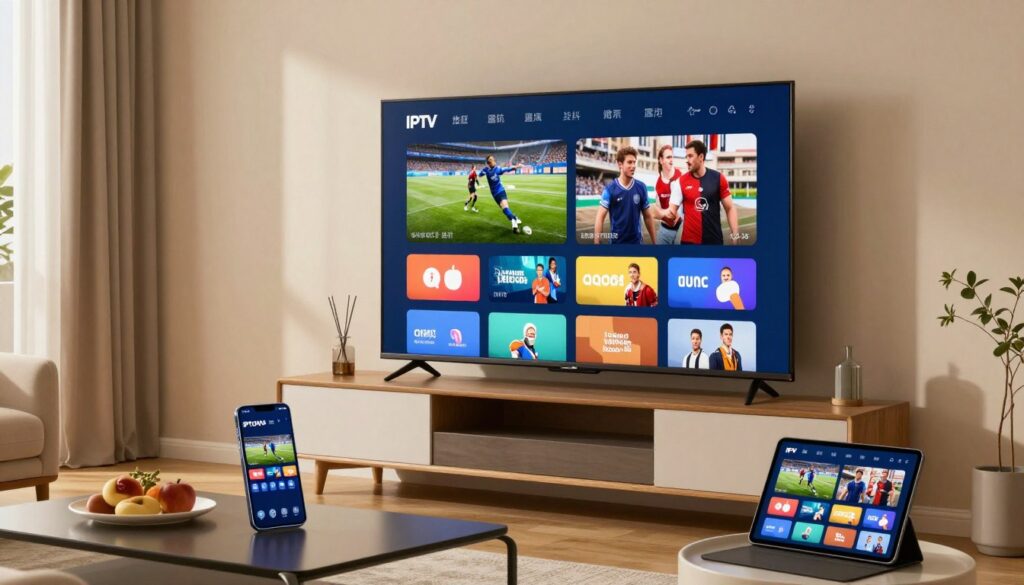
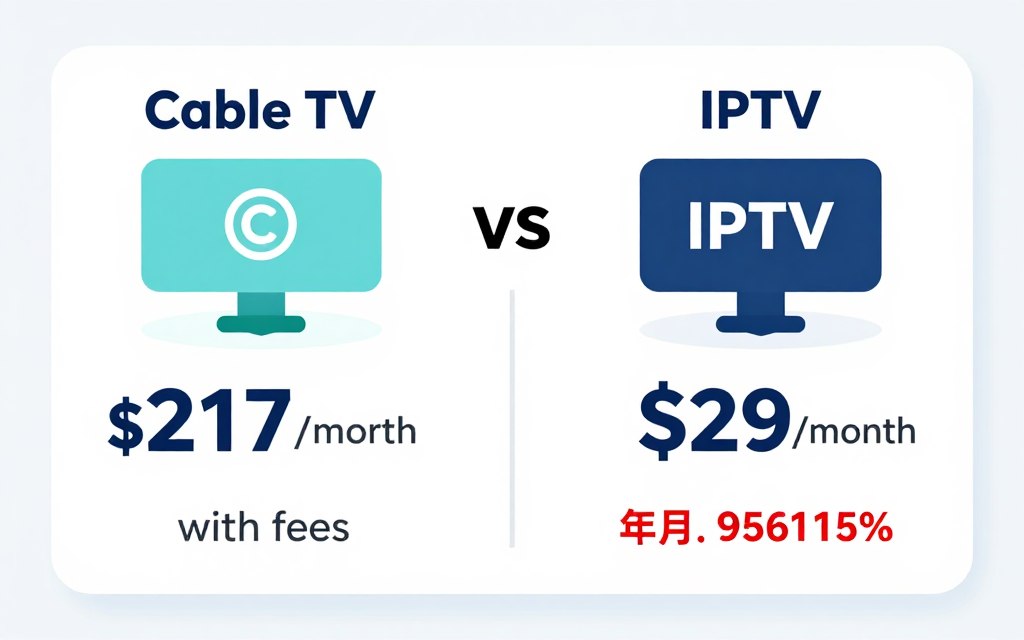
Cable bills keep climbing. The average American household now pays over $217 monthly for traditional television service. Many families struggle with these costs while getting channels they never watch.
IPTV technology changes this equation completely. This streaming method delivers thousands of channels at a fraction of cable prices. You get more content, better flexibility, and significant savings.
This guide explores affordable IPTV options available in the USA. You’ll learn how the technology works, what features matter most, and how to choose the best service for your needs.
Understanding IPTV Technology and How It Works
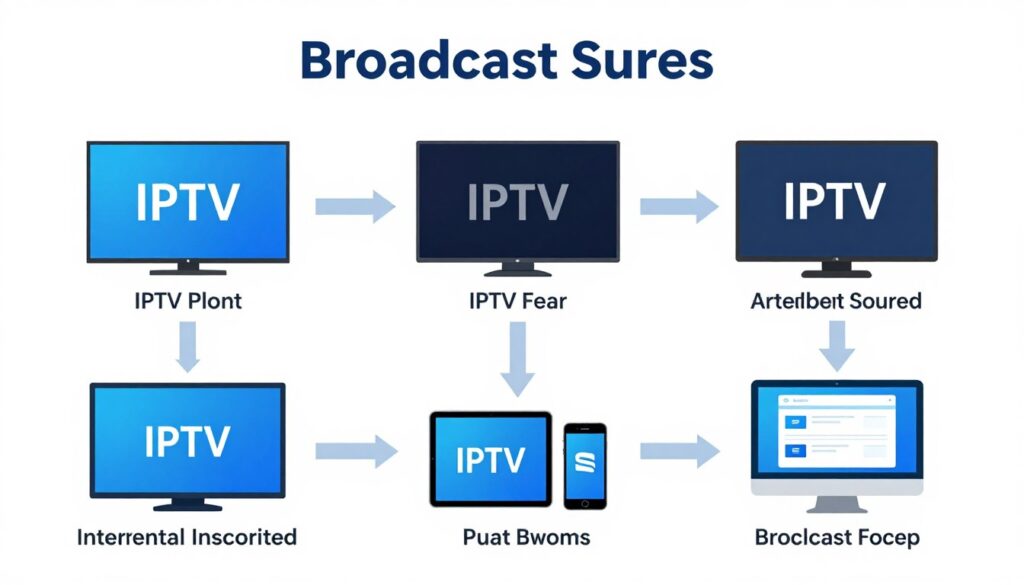
IPTV stands for Internet Protocol Television. This technology delivers television content through internet connections rather than traditional cable or satellite signals. The service streams programming directly to your devices using your existing internet connection.
Traditional cable relies on coaxial cables and set-top boxes. Satellite requires dishes and clear weather conditions. IPTV needs only a stable internet connection and compatible device. This fundamental difference creates numerous advantages.
The Technical Foundation of IPTV
The system works through packet switching technology. Content providers encode video signals into data packets. These packets travel through internet infrastructure to your home network. Your device decodes these packets back into viewable video.
Most IPTV services use adaptive bitrate streaming. This technology adjusts video quality based on your connection speed. During peak usage times, the service maintains smooth playback by automatically optimizing resolution.
Types of IPTV Services Available
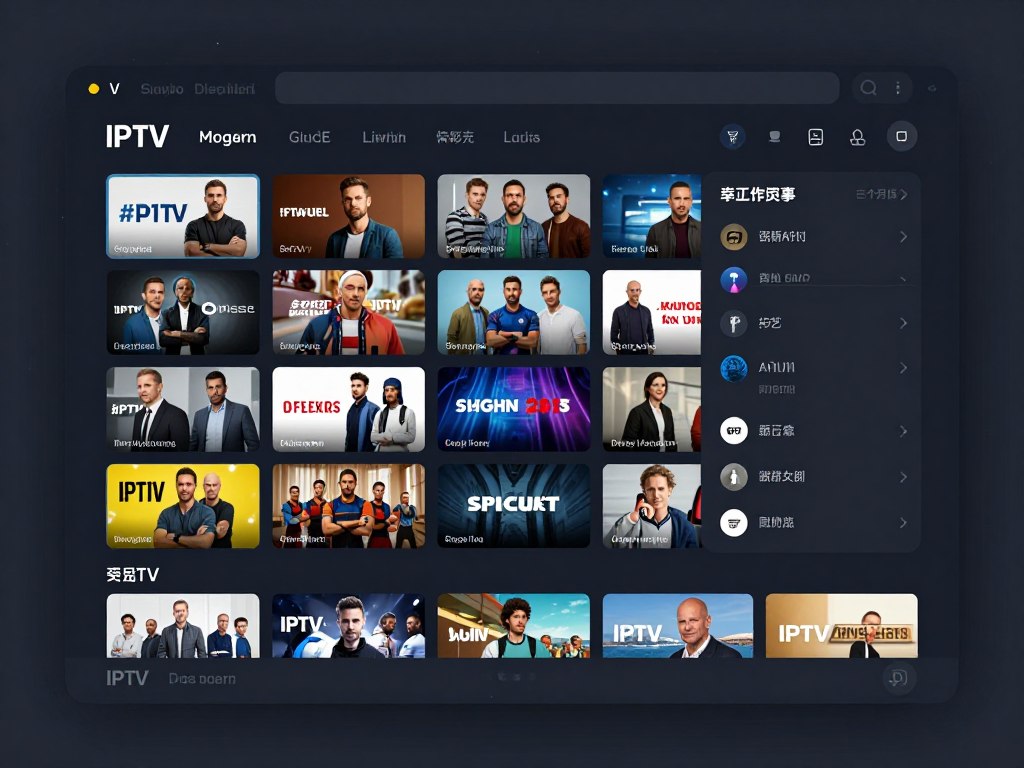
Three main service types exist in the market. Live television streaming provides real-time broadcasts similar to traditional TV. Video on demand offers libraries of movies and shows you watch anytime. Time-shifted media lets you pause, rewind, or replay live content.
Premium services combine all three types. Users access live channels, extensive on-demand libraries, and full DVR functionality. This combination provides maximum viewing flexibility and value.
Important: IPTV requires a minimum internet speed of 10 Mbps for standard definition content. High definition streaming needs 25 Mbps or faster. Check your connection speed before subscribing to any service.
Device Compatibility Across Platforms
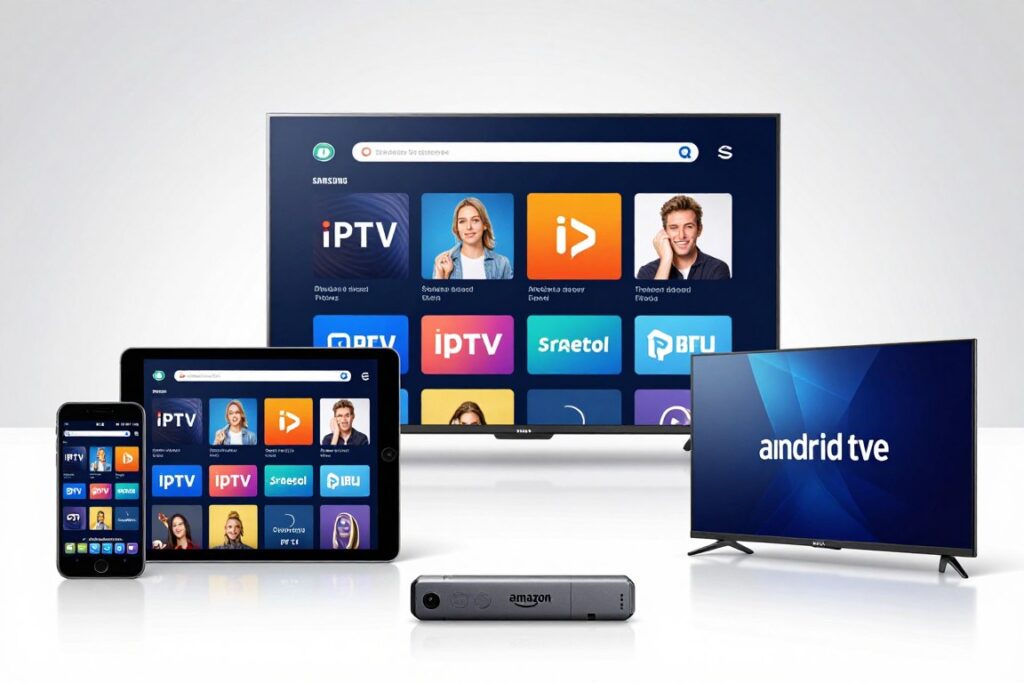
Modern IPTV works on virtually any internet-connected device. Smart TVs run dedicated apps directly. Streaming boxes like Roku, Fire Stick, and Apple TV support most major providers. Smartphones and tablets offer portable viewing through iOS and Android apps.
Computers access services through web browsers or dedicated software. Gaming consoles including PlayStation and Xbox support many streaming apps. This wide compatibility means you watch content on any screen in your home.
Most households already own compatible devices. You likely need no additional hardware purchases to start using an IPTV service today.
Ready to Experience IPTV?
Discover how 2tv.store delivers premium streaming at prices that make sense. Start your free trial today and see the difference for yourself.
Key Benefits of Using IPTV Services in the USA

The advantages of IPTV extend far beyond simple cost savings. Users gain control, flexibility, and features impossible with traditional television. These benefits transform how families consume entertainment.
Dramatic Cost Reduction Compared to Cable
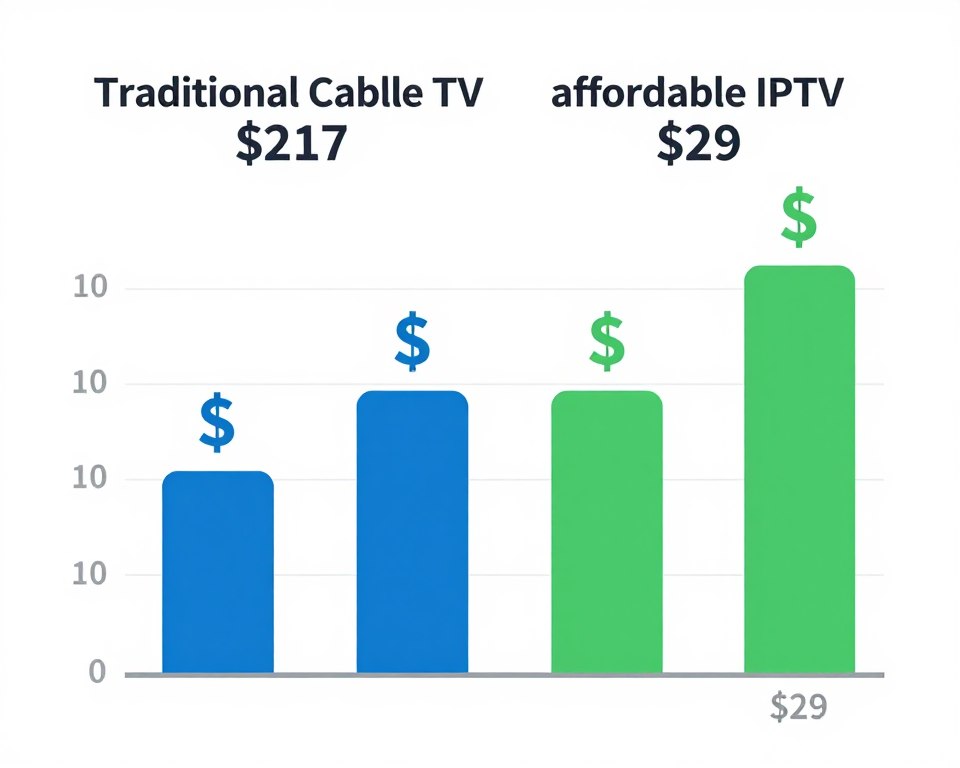
Cable companies charge premium prices for bloated channel packages. The average bill exceeds $200 monthly when including equipment fees, regional sports charges, and broadcast fees. Many customers pay for hundreds of channels they never watch.
IPTV services typically cost between $10 and $50 per month. This represents savings of $150 to $190 monthly compared to cable. Annual savings reach $1,800 to $2,280 for most households. These figures exclude the elimination of equipment rental fees and installation charges.
Extensive Channel Selection and Content Variety
Premium IPTV providers offer thousands of channels. Programming includes major US networks, regional sports channels, international content, and specialty programming. The selection dwarfs what cable companies provide even at their highest tiers.
Sports coverage includes every major league and international competition. Movie channels provide latest releases alongside classic films. News options span local stations to international networks. This variety means every family member finds content they enjoy.
Content Categories Available
- Live sports from all major leagues
- Premium movie channels and new releases
- Local and national news networks
- International channels in multiple languages
- Kids programming and educational content
- Documentary and lifestyle channels
- Music and entertainment programming
On-Demand Libraries Include
- Thousands of movies across all genres
- Complete TV series and season collections
- Live concert recordings and performances
- Original programming and exclusives
- Documentary series and specials
- Stand-up comedy and variety shows
- Classic television and film archives
Watch Anywhere on Any Device
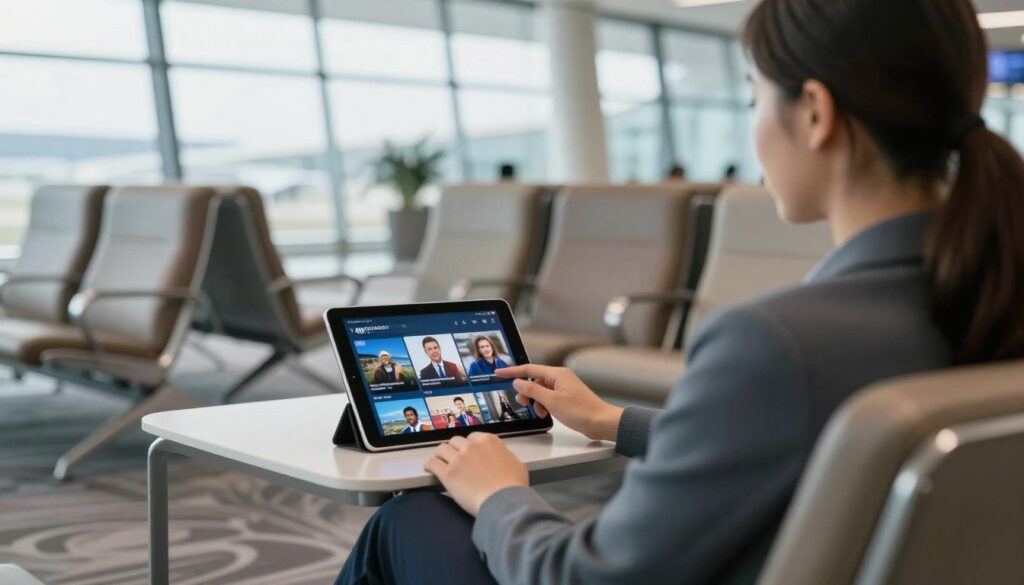
Geographic restrictions disappear with IPTV. You access your subscription anywhere with internet connectivity. Business travelers watch home channels from hotel rooms. Families stream content during vacations. Students enjoy programming in dorm rooms across the country.
Multiple simultaneous streams allow different family members to watch separate content. Parents stream news in the living room while kids watch cartoons on tablets. Teenagers catch up on series in their bedrooms. Everyone watches what they want, when they want, where they want.
Advanced Features Enhance the Viewing Experience
Electronic program guides make finding content effortless. The interface displays comprehensive schedules across all channels. Search functions locate specific shows, movies, or sports instantly. Favorites lists organize preferred channels for quick access.
Cloud DVR functionality records unlimited content. You never miss games, series episodes, or special events. Recordings remain accessible indefinitely. Fast-forward and rewind controls work seamlessly during playback.
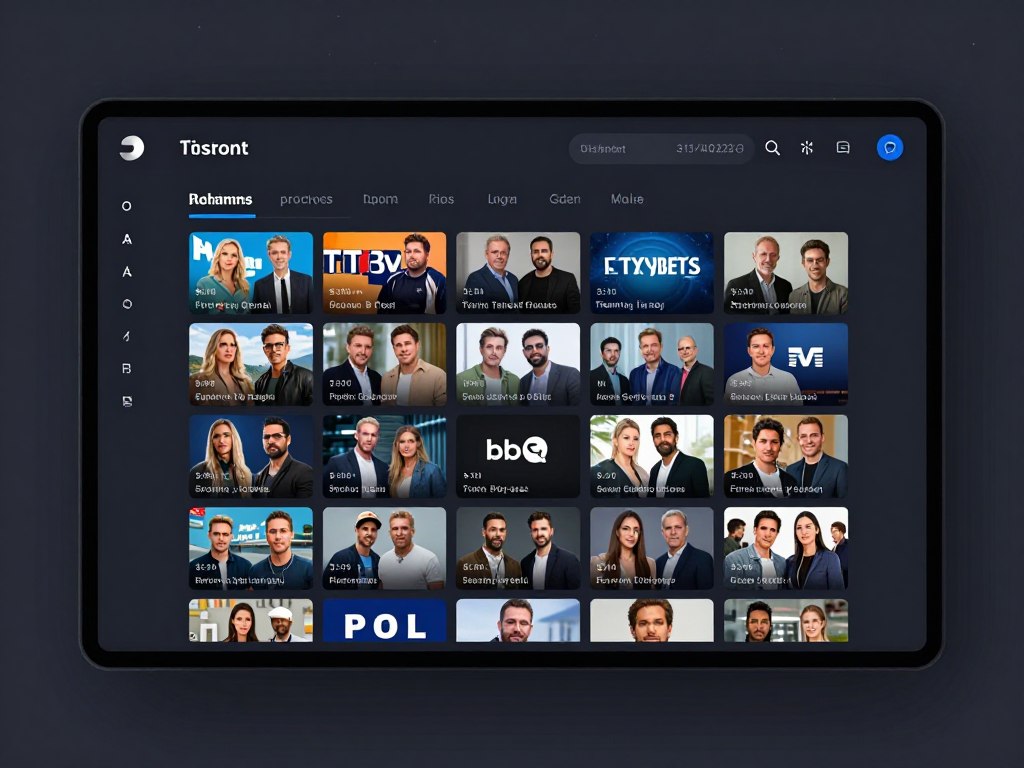
Parental controls protect children from inappropriate content. Password-protected settings restrict access to mature programming. Time limits prevent excessive screen time. Activity reports show viewing history for monitoring purposes.
No Long-Term Contracts or Hidden Fees
Traditional cable locks customers into lengthy contracts. Early termination penalties reach hundreds of dollars. Annual price increases occur without notice. Equipment fees continue even after promotional periods end.
Most IPTV services operate month-to-month. You cancel anytime without penalties. Pricing remains transparent with no hidden charges. This flexibility removes the risk from trying a new service.
Experience Premium Streaming Without the Premium Price
2tv.store combines affordable pricing with premium features. See our transparent plans and start saving immediately on your entertainment costs.
Essential Features to Look for in Quality IPTV Services
Not all IPTV providers deliver equal quality. Specific features separate premium services from substandard options. Understanding these distinctions helps you make informed decisions.
Stream Quality and Resolution Options
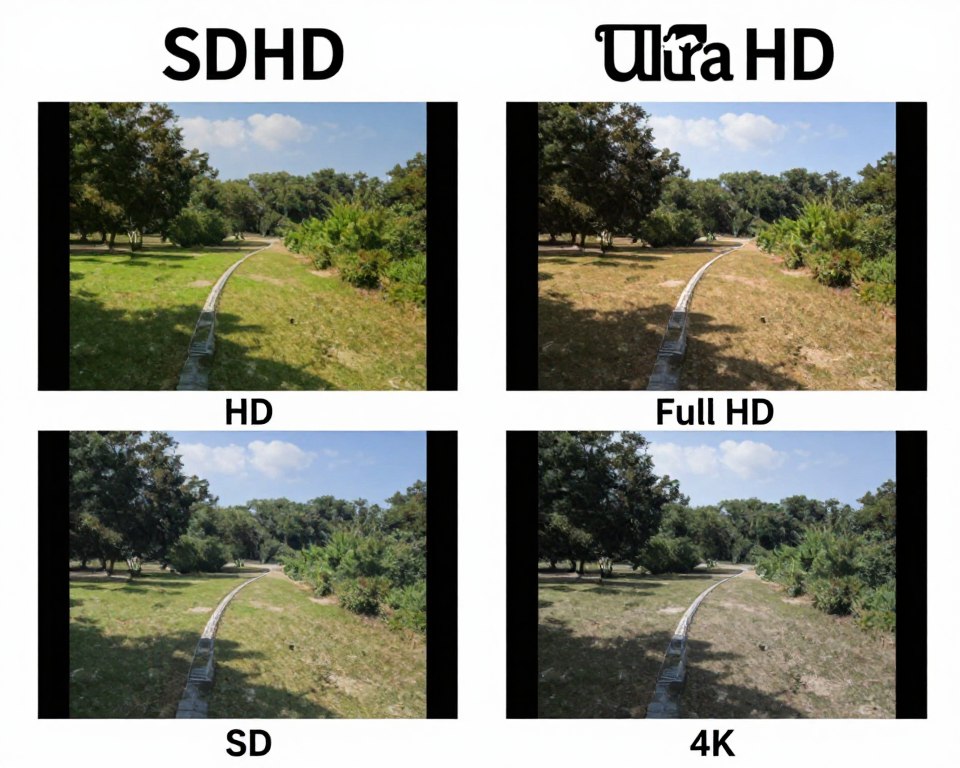
Video quality directly impacts viewing enjoyment. Premium services offer multiple resolution options including standard definition, high definition, and 4K ultra-high-definition. The system should automatically select appropriate quality based on your connection speed.
Buffer-free streaming indicates reliable infrastructure. Quality providers invest in robust server networks and content delivery systems. Your content should start quickly and play smoothly without interruptions or pixelation.
Channel Lineup Comprehensiveness
Total channel count matters less than channel selection quality. Verify the service includes networks you actually watch. Check for local channels, major networks, and regional sports coverage. International options add value for multilingual households.
Must-Have Channels
- Major broadcast networks (ABC, CBS, NBC, FOX)
- Cable news channels (CNN, Fox News, MSNBC)
- Sports networks (ESPN, FS1, regional channels)
- Premium movie channels
- Popular entertainment networks

Reliable Customer Support and Service
Technical issues occasionally occur with any streaming service. Responsive customer support resolves problems quickly. Look for providers offering multiple contact methods including email, chat, and phone support. Response time should be measured in hours, not days.
Community forums and knowledge bases provide self-service solutions. Video tutorials demonstrate setup procedures. FAQ sections answer common questions. These resources reduce dependence on direct support.
User Interface Design and Navigation
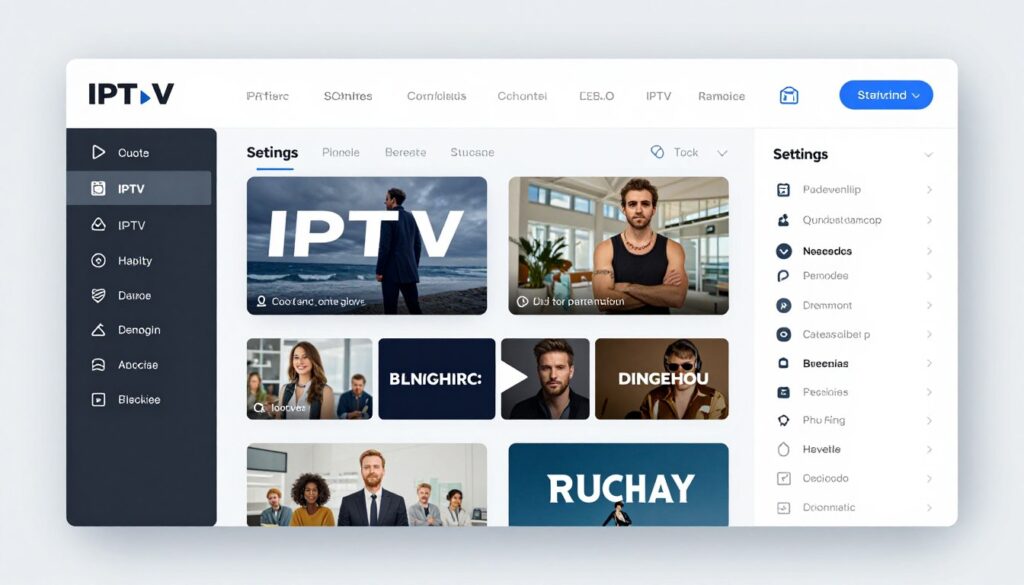
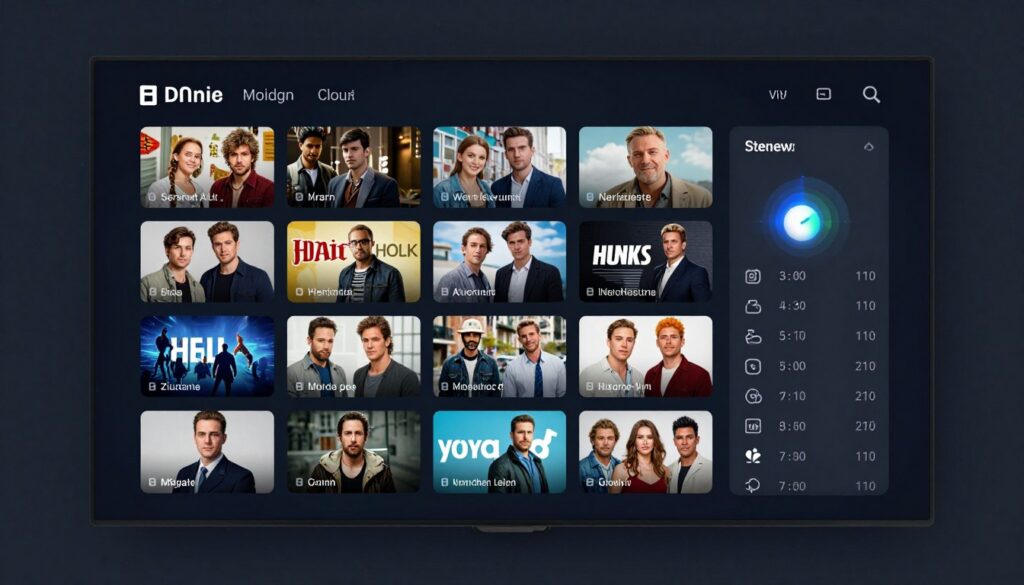
Intuitive interfaces make finding content effortless. Clear category organization groups channels logically. Visual channel guides display programming at a glance. Search functions quickly locate specific titles or topics.
The app should load quickly and respond instantly to commands. Menu navigation needs logical flow. Settings should be accessible but not intrusive. A well-designed interface enhances daily usability significantly.
Recording and Time-Shift Capabilities
Cloud DVR functionality adds tremendous value. The feature allows recording any content for later viewing. Storage capacity should accommodate dozens of hours. Recordings should remain accessible indefinitely without expiration.
Catch-up TV features let you watch recently aired programs. This function typically extends back several days or weeks. You never miss episodes even without setting recordings. Time-shifting capabilities provide ultimate viewing flexibility.
Multi-Device Support and Simultaneous Streams
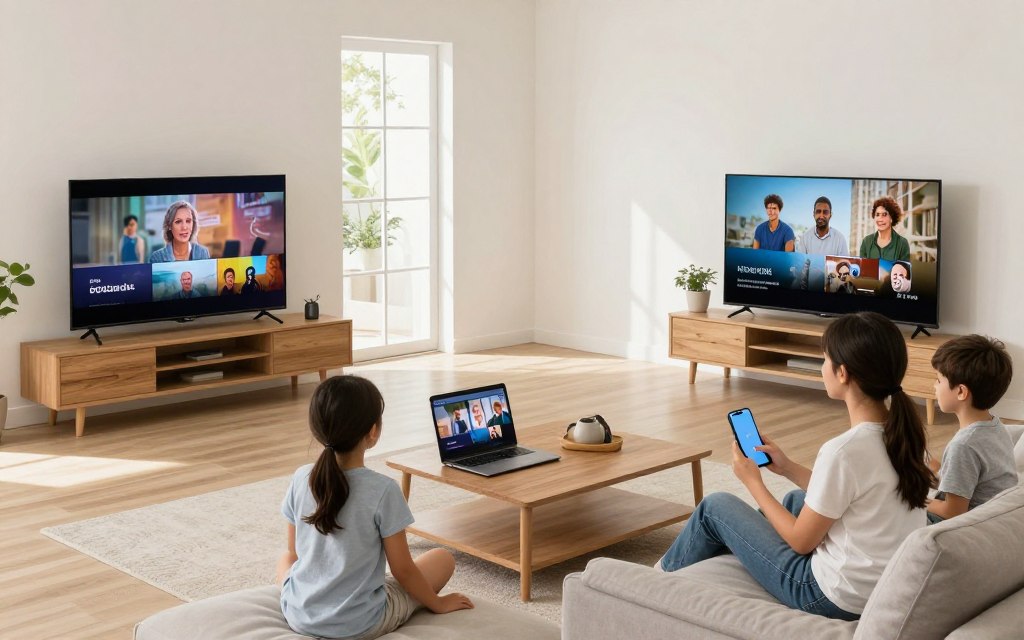
Modern households use multiple devices. Your subscription should work on phones, tablets, computers, and TVs without restrictions. App availability across platforms ensures everyone accesses content on their preferred device.
Simultaneous stream limits affect household usability. Budget providers often restrict viewing to one device. Premium services allow three to five concurrent streams. Unlimited options accommodate larger families with diverse viewing preferences.
Security and Privacy Protections
Legitimate services prioritize user security. Encrypted connections protect your viewing data. Secure payment processing safeguards financial information. Privacy policies should clearly explain data collection and usage.
VPN compatibility provides additional privacy. Some users prefer masking their streaming activity. Quality providers support VPN connections without blocking or throttling. This compatibility demonstrates respect for user privacy preferences.
Security Note: Only use IPTV services with verified business addresses and transparent payment methods. Avoid providers requiring cryptocurrency-only payment or lacking clear contact information.
Why 2tv.store Stands Out as Your Best IPTV Choice
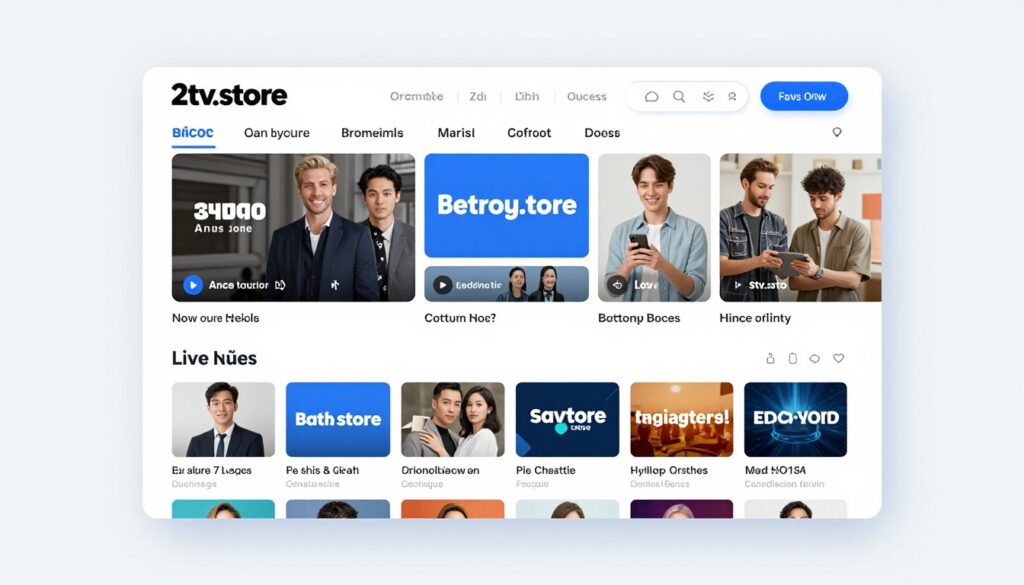
Selecting an IPTV provider requires careful evaluation. The market contains numerous options with varying quality levels. 2tv.store distinguishes itself through superior service, comprehensive features, and genuine value.
Comprehensive Channel Selection for Every Viewer
The service delivers over 10,000 live channels covering every entertainment category. Sports fans access every major league including NFL, NBA, MLB, NHL, and international competitions. Movie enthusiasts enjoy premium channels with latest releases and classic films.
News coverage spans local stations to international networks. Entertainment options include popular cable channels and specialty programming. Kids content provides safe, age-appropriate viewing. International channels serve diverse linguistic communities across the USA.
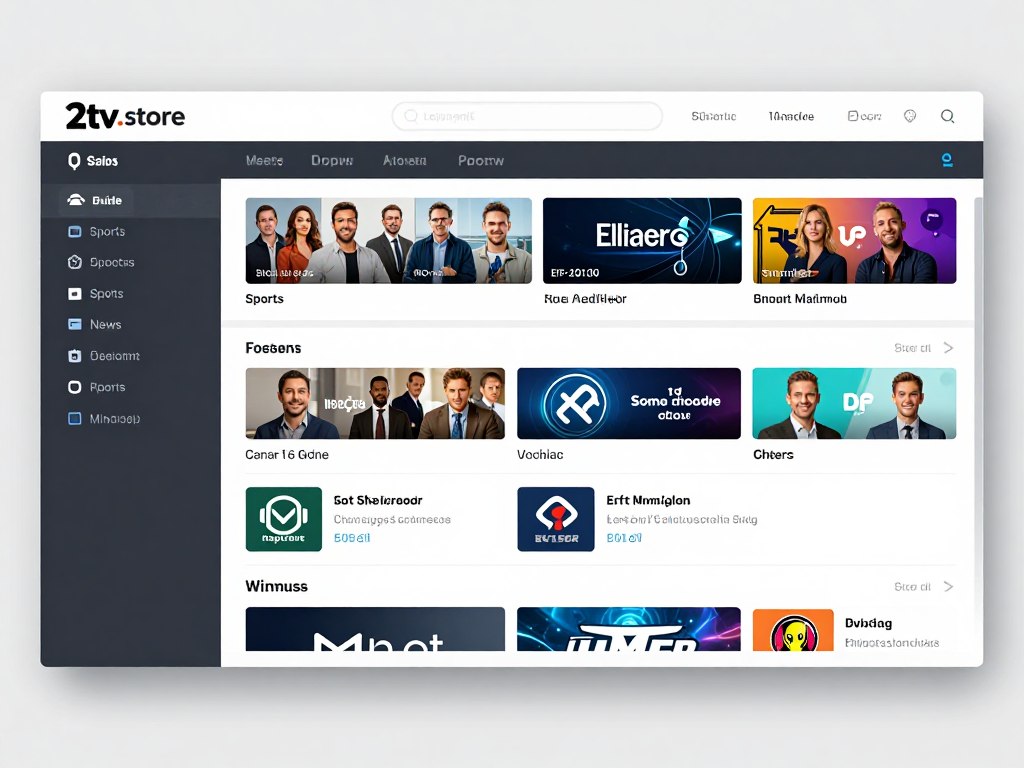
Crystal Clear Streaming Quality
Video quality reaches 4K ultra-high-definition on compatible devices. Adaptive streaming technology automatically optimizes resolution based on your internet speed. High-definition content remains sharp and clear even during peak usage times.
Anti-buffering technology ensures smooth playback. The service utilizes premium content delivery networks with servers across the United States. Stream startup happens within seconds. Quality remains consistent throughout viewing sessions.
Works on All Your Devices
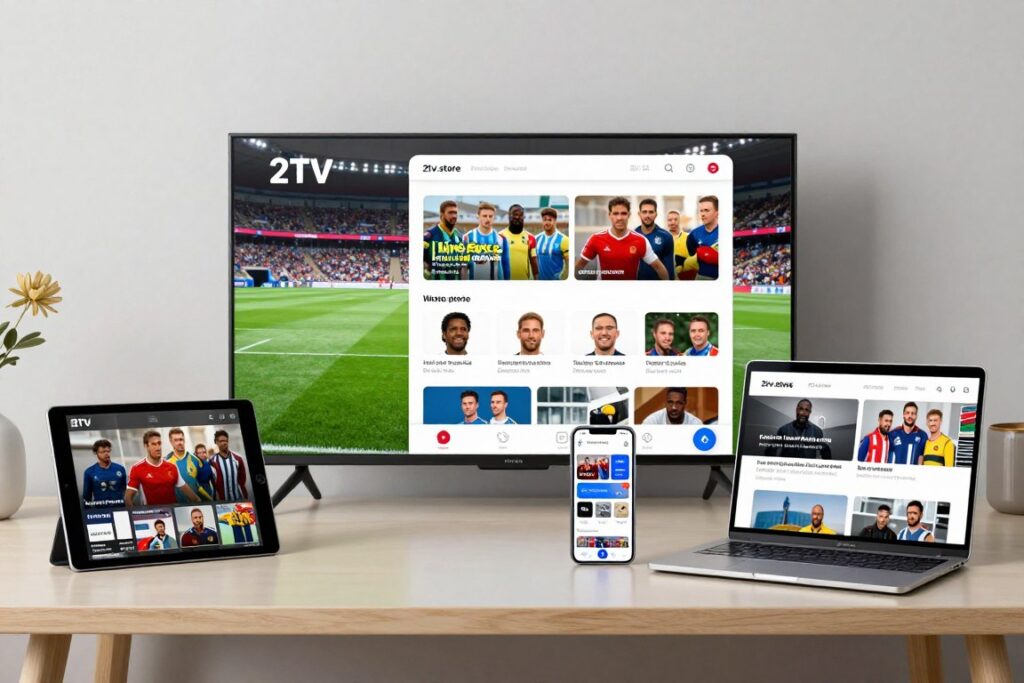
Dedicated apps serve every major platform. Smart TV users install the app directly on Samsung, LG, Sony, and other brands. Streaming device support includes Amazon Fire Stick, Roku, Apple TV, and Android TV boxes.
Mobile apps work flawlessly on iOS and Android phones and tablets. Desktop access works through web browsers or dedicated applications for Windows and Mac. This comprehensive compatibility means you use the service on any screen you own.
The subscription allows up to five simultaneous streams. Family members watch different content on separate devices concurrently. No waiting or conflicts over viewing choices. Everyone enjoys their preferred programming at the same time.
User-Friendly Interface Design
The application interface prioritizes simplicity and functionality. Large, clear icons make navigation intuitive. Content categories organize logically for effortless browsing. The electronic program guide displays comprehensive schedules at a glance.
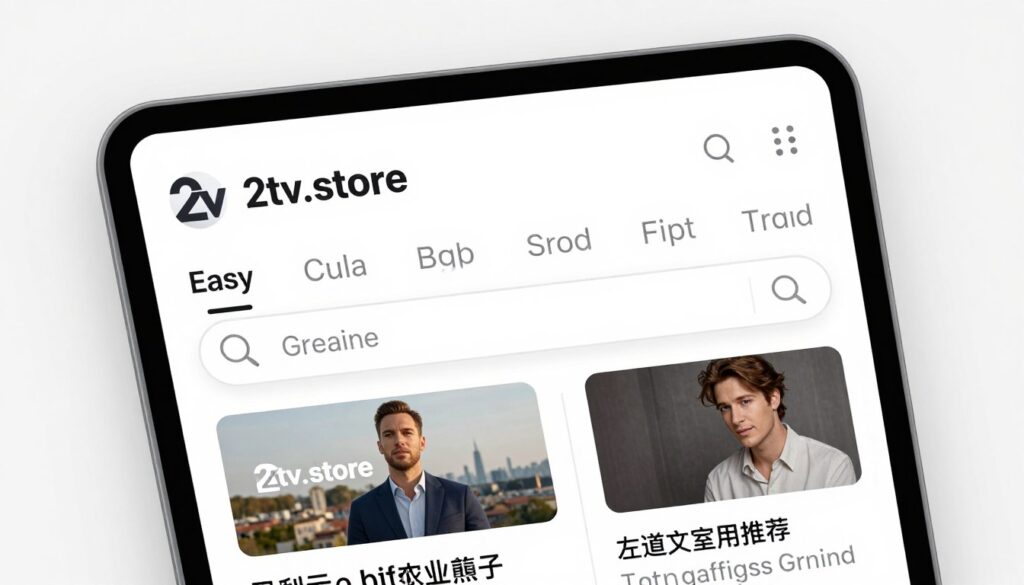
Search functionality locates content instantly by title, actor, genre, or network. Favorites lists organize preferred channels for quick access. Recently watched sections help resume viewing. Parental controls protect children through customizable restrictions.
Powerful DVR and Recording Features
Unlimited cloud DVR storage captures any content you want. Record individual episodes, entire series, or specific sports events. Recordings remain accessible permanently without expiration dates. Playback controls include pause, rewind, and fast-forward functionality.
Catch-up TV extends back seven days on most channels. You watch shows aired earlier in the week without setting recordings. This feature eliminates missed programming from forgotten recording schedules. Time-shifting provides ultimate viewing flexibility.
Affordable Transparent Pricing
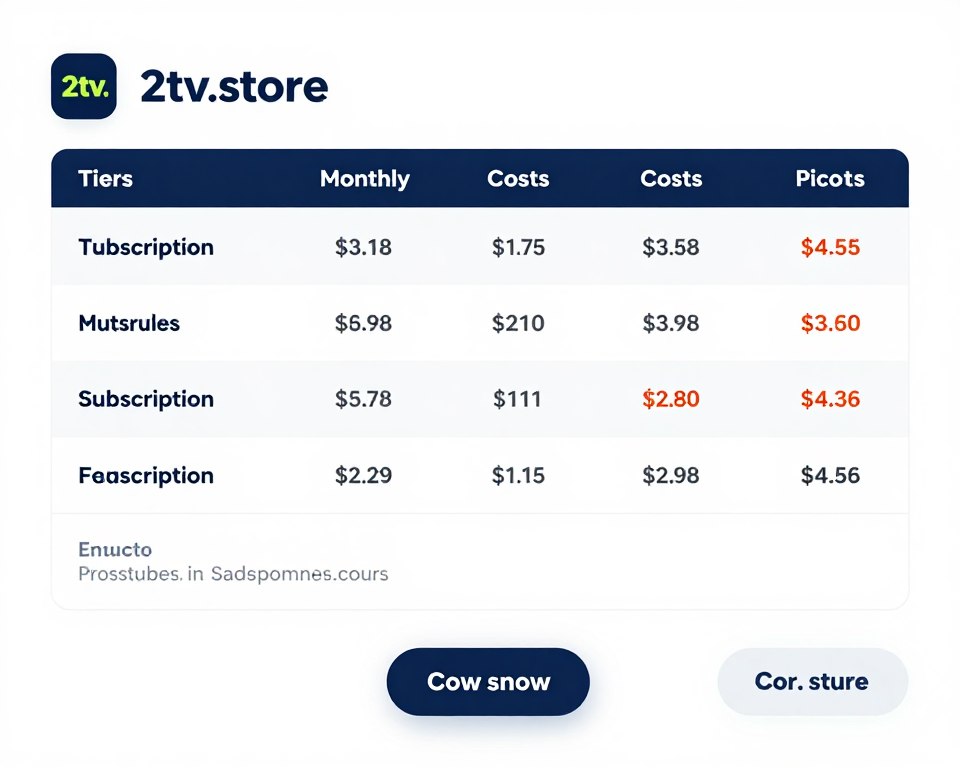
Subscription plans start at affordable monthly rates significantly below cable costs. Pricing remains transparent with no hidden fees, equipment charges, or surprise increases. You see exactly what you pay before subscribing.
Multiple payment options accommodate different preferences. Major credit cards process securely through encrypted connections. Payment plans include monthly, quarterly, and annual options. Longer commitments earn additional discounts but remain optional.
Risk-Free Trial Period
New customers receive a free trial period to evaluate the service. This trial includes full access to all features and channels. No credit card requirement eliminates risk from initial signup. You experience complete functionality before making any payment commitment.
The trial period provides sufficient time to test stream quality, explore channel selection, and verify device compatibility. Setup assistance ensures proper configuration. Customer support remains available throughout the evaluation period.
Money-Back Guarantee: If you’re not completely satisfied within the first 14 days of paid subscription, request a full refund. No questions asked, no penalties applied.
Exceptional Customer Support

Support teams respond quickly to inquiries through multiple channels. Email support typically answers within hours. Live chat provides immediate assistance during business hours. Phone support handles complex technical issues requiring detailed guidance.
Extensive knowledge base articles cover common questions and setup procedures. Video tutorials demonstrate installation on various devices. Community forums connect users for peer assistance. These resources enable self-service problem resolution when preferred.
Regular Updates and Improvements
The service continuously adds new channels and content. Software updates enhance functionality and fix issues. User feedback directly influences feature development. The platform evolves based on customer needs and preferences.
Security updates deploy automatically to protect user data. Performance optimizations improve streaming quality and reliability. Interface refinements enhance usability based on usage analytics. This ongoing development ensures the service remains current and competitive.
See Why Thousands Trust 2tv.store
Experience the difference that quality, reliability, and customer-focused service makes. Start your free trial and discover premium streaming at an affordable price.
How to Choose the Best Affordable IPTV Service for Your Needs
Selecting the right provider requires evaluating several key factors. Your specific needs, viewing habits, and technical setup influence the ideal choice. Systematic comparison ensures you find the best fit.
Assess Your Viewing Preferences and Priorities
Start by identifying what content matters most to your household. Sports fans need comprehensive league coverage and regional channels. Movie enthusiasts prioritize premium channels and extensive on-demand libraries. News watchers require diverse network options.
Consider viewing frequency and patterns. Heavy users benefit from unlimited DVR storage. Casual viewers may prefer simpler plans. Multi-device households need generous simultaneous stream allowances. Light users can manage with basic packages.
For Sports Enthusiasts
- Verify all major league coverage
- Check regional sports network availability
- Confirm international sports channels
- Test stream reliability during live events
- Evaluate DVR for recording games
For Movie and Series Fans
- Review on-demand library size
- Check premium channel inclusion
- Verify release window for new content
- Test video quality on large screens
- Evaluate catch-up TV availability
Verify Technical Compatibility
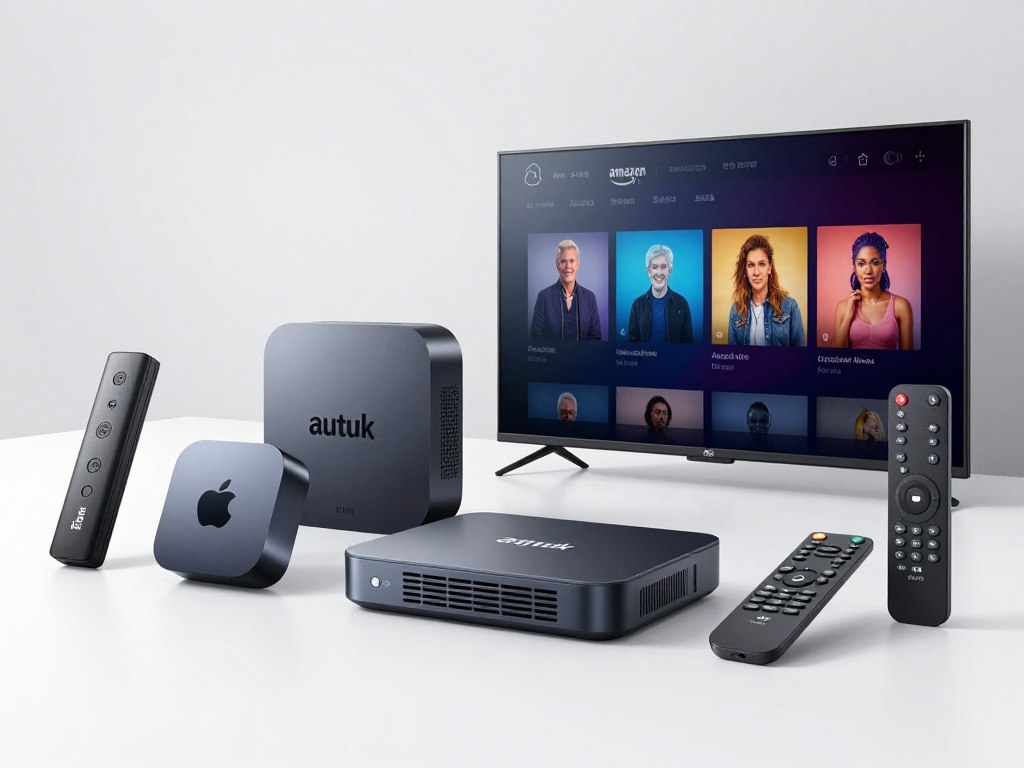
Confirm the service supports your existing devices. Check app availability for your smart TV brand. Verify compatibility with streaming boxes you own. Ensure mobile apps work on your phone and tablet operating systems.
Internet speed determines streaming quality. Test your connection using online speed tests. Minimum speeds support standard definition. High-definition requires faster connections. Multiple simultaneous streams need significantly higher bandwidth.
Speed Requirements: Standard Definition – 5 Mbps | High Definition – 10 Mbps | 4K Ultra HD – 25 Mbps | Multiple Streams – Add 10 Mbps per additional stream
Compare Pricing and Value Propositions
Look beyond simple monthly cost when evaluating price. Calculate total annual expense including any setup fees or equipment charges. Compare channel counts relative to cost. Evaluate feature inclusion at different price tiers.
Watch for promotional pricing that expires after introductory periods. Verify whether advertised rates require long-term commitments. Check for hidden fees in terms of service. Transparent providers clearly display all costs upfront.
Test Service Quality Through Trials
Free trials eliminate guesswork from provider selection. These evaluation periods let you test actual performance before commitment. Verify stream quality during your typical viewing times. Check channel availability and program schedules. Test the interface on your actual devices.
Pay attention to streaming reliability during peak evening hours. Evaluate customer support responsiveness by asking questions. Try features like DVR recording and catch-up TV. This hands-on testing reveals real-world performance.
Read Reviews and User Experiences
Independent reviews provide valuable insights. Look for feedback addressing service reliability and customer support quality. Pay attention to comments about stream quality and buffering issues. Note complaints about billing or cancellation difficulties.
Community forums reveal common problems and solutions. Active communities indicate engaged user bases. Forum discussions often contain setup tips and optimization advice. These resources prove valuable for troubleshooting issues.
Evaluate Customer Support Quality
Test support responsiveness before subscribing. Send a pre-sales question and note response time. Check available support channels including email, chat, and phone. Review knowledge base comprehensiveness and clarity.
Quality providers offer multiple contact methods. Support hours should match your availability. Self-service resources handle common questions without requiring direct contact. This comprehensive support infrastructure indicates customer-focused operations.
Consider Long-Term Reliability
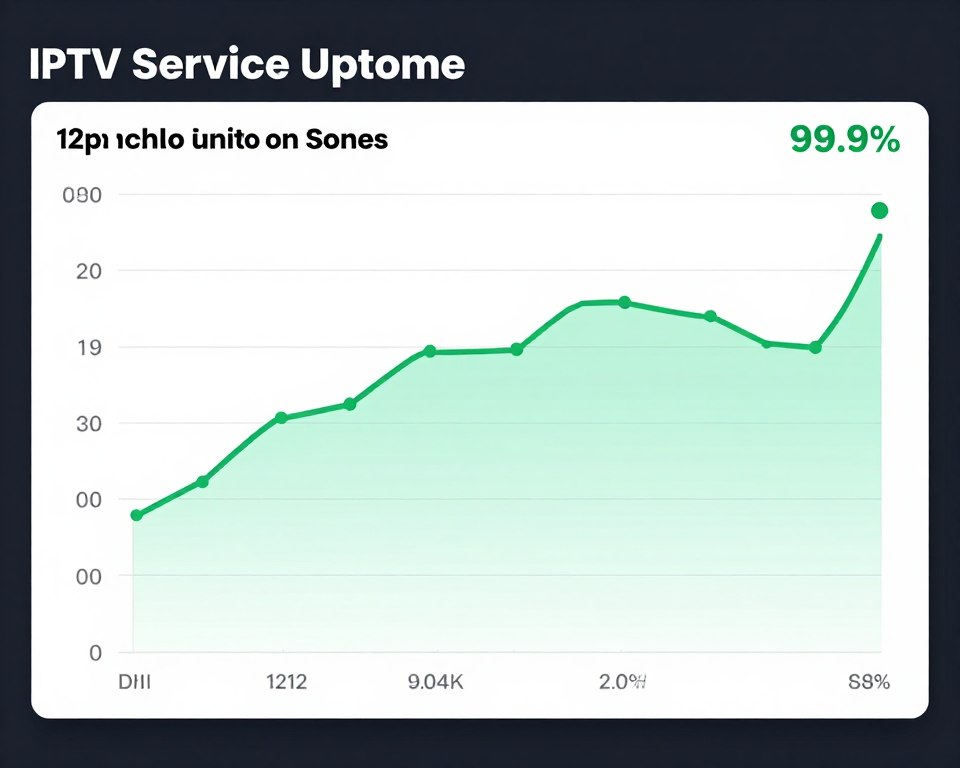
Provider longevity suggests reliability and stability. Established services demonstrate proven track records. Check how long the company has operated. Review their update history and service improvement timeline.
Transparent business practices indicate trustworthiness. Verify physical business addresses and contact information. Check for clear terms of service and privacy policies. Legitimate providers maintain professional business operations and proper licensing.
Getting Started: Complete IPTV Setup Guide
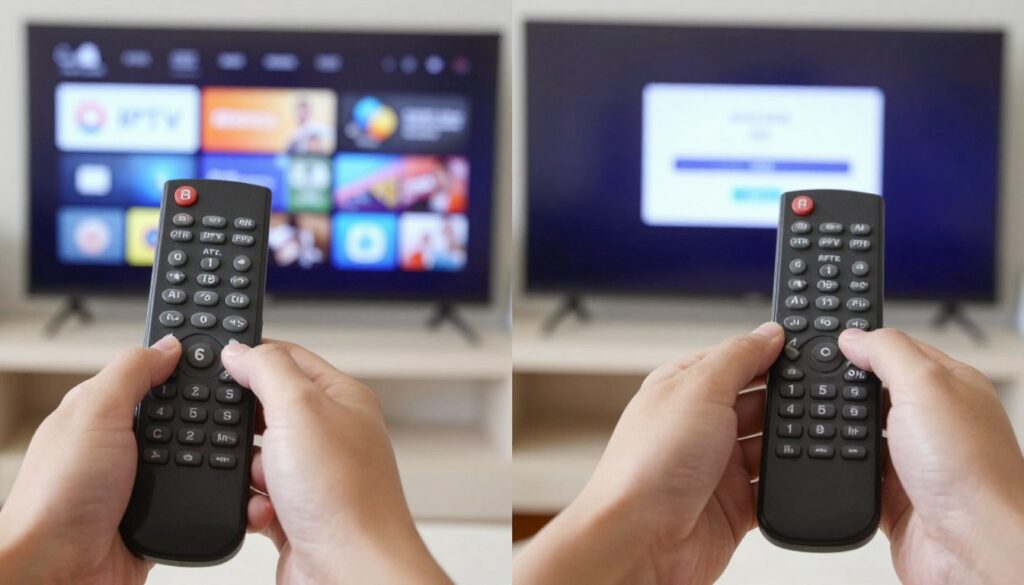
Setting up IPTV service takes only minutes. The process works similarly across most devices. These straightforward steps get you streaming quickly regardless of your technical expertise.
Initial Account Registration
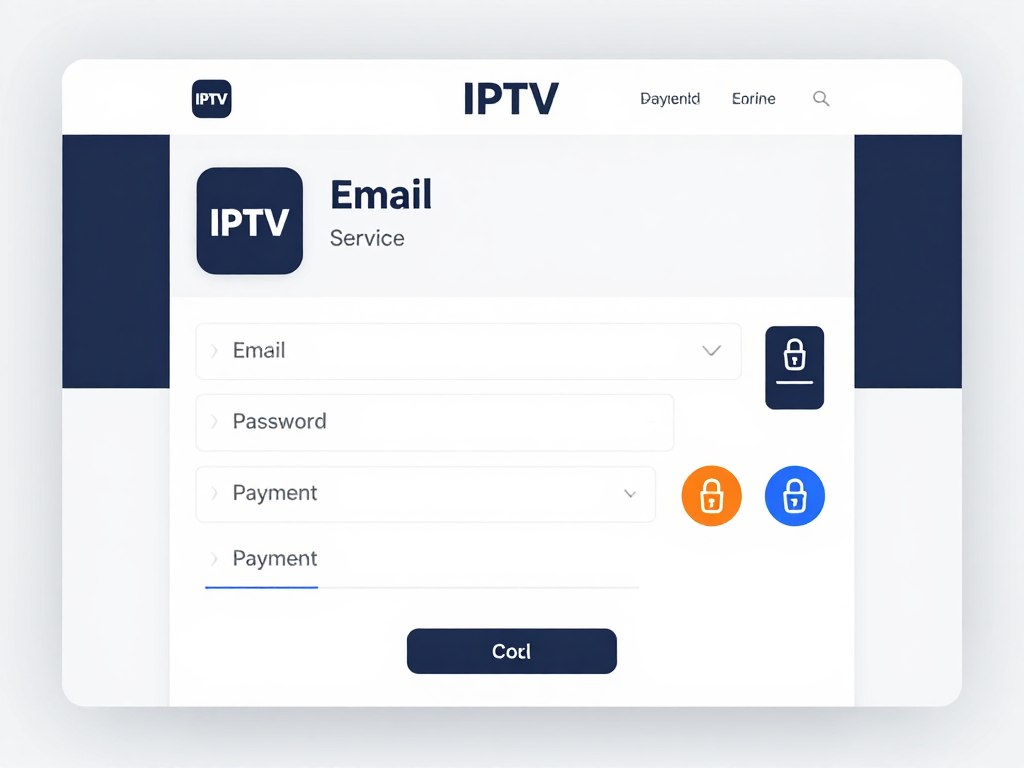
Visit the provider website to create your account. Enter basic information including email address and password. Some services require phone number verification. Select your preferred subscription plan and payment method.
Secure payment processing protects your financial data. Major credit cards work with all reputable providers. Some services accept PayPal or other payment platforms. Complete the transaction to activate your subscription immediately.
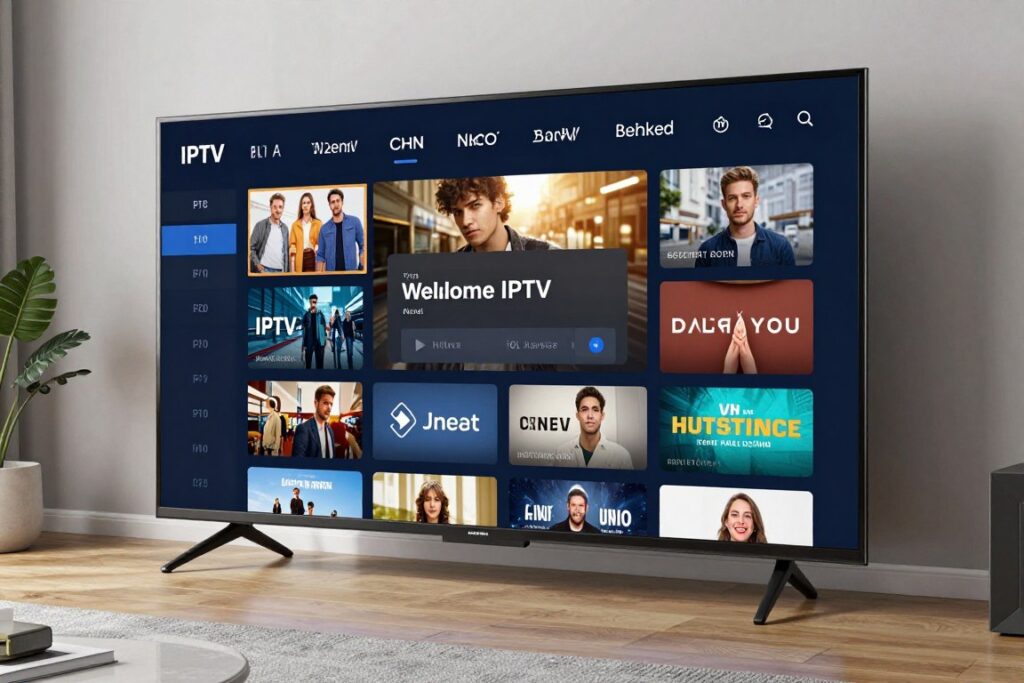
Smart TV Installation Process
- Open your smart TV app store (Google Play Store for Android TV, LG Content Store, Samsung Apps, etc.)
- Search for your IPTV provider app using the on-screen keyboard
- Select the correct app from search results and click Install or Download
- Wait for installation to complete (typically 1-2 minutes)
- Open the installed app from your TV home screen
- Enter your account credentials (email and password) when prompted
- Select streaming quality preferences if offered during setup
- Begin browsing channels and content immediately
Streaming Device Setup Instructions
Amazon Fire Stick, Roku, and Apple TV follow similar installation patterns. Navigate to the device app store. Search for your provider app. Download and install the application. Open the app and log in with your credentials.
Some providers offer custom device configurations. Download the specific app version for your device type. Follow any additional setup prompts. The process rarely takes more than five minutes from start to finish.
Mobile Device Configuration
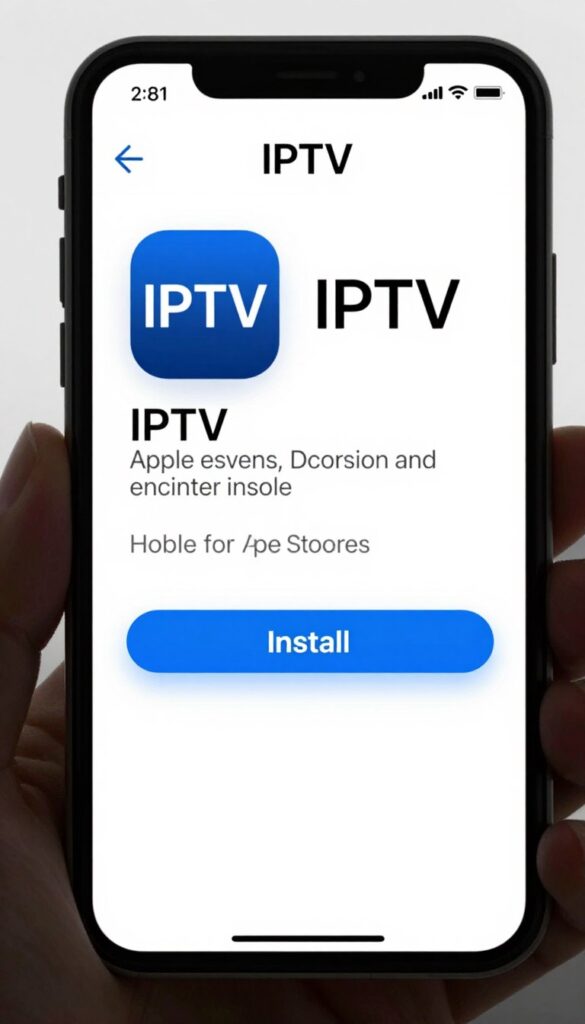
Visit the Apple App Store for iOS devices or Google Play Store for Android. Search for your provider’s official app. Tap Install or Get to download. Open the app after installation completes. Sign in using your account credentials.
Enable notifications if desired for program reminders. Grant necessary permissions when prompted. These typically include network access for streaming. The app is now ready for immediate use.
Computer and Web Browser Access
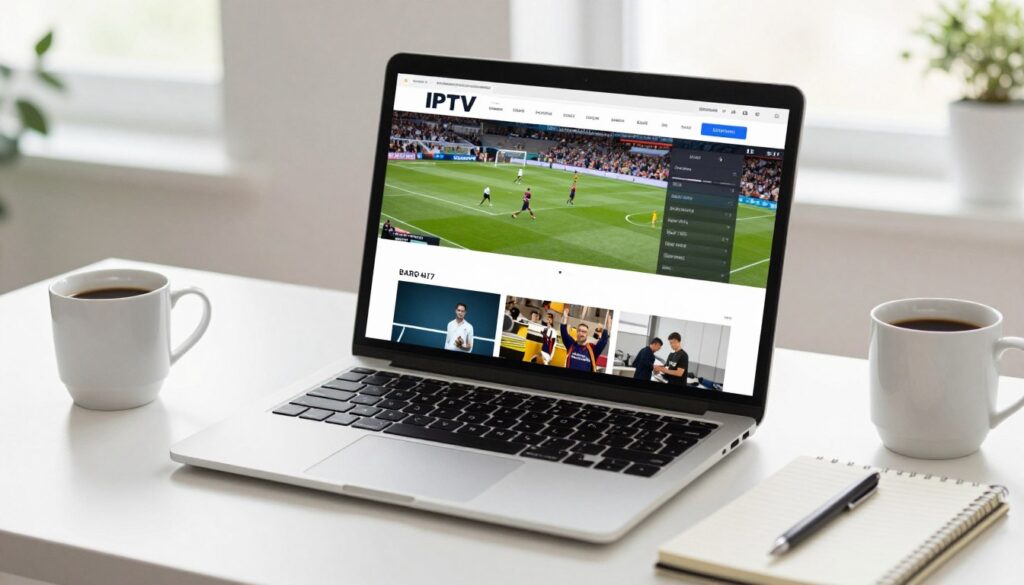
Many providers offer web-based viewing through browsers. Visit the provider website and log into your account. Navigate to the watch or stream section. Select your desired channel or content. Playback begins directly in the browser window.
Desktop apps provide enhanced functionality on computers. Download the application from the provider website. Install following standard software installation procedures. Launch the app and sign in. Desktop apps often provide superior performance compared to browser viewing.
Optimizing Your Setup for Best Performance
Connect devices via Ethernet cable when possible. Wired connections provide superior stability compared to WiFi. This improvement significantly reduces buffering and quality fluctuations. Position WiFi routers centrally if wired connection is impossible.
Close unnecessary apps and programs during streaming. Multiple running applications consume bandwidth and processing power. This simple step improves performance on lower-end devices. Restart devices periodically to clear memory and refresh connections.
Pro Tip: Set streaming quality to “Auto” for best results. This setting dynamically adjusts resolution based on your current internet speed, preventing buffering while maximizing quality when bandwidth allows.
Troubleshooting Common Setup Issues
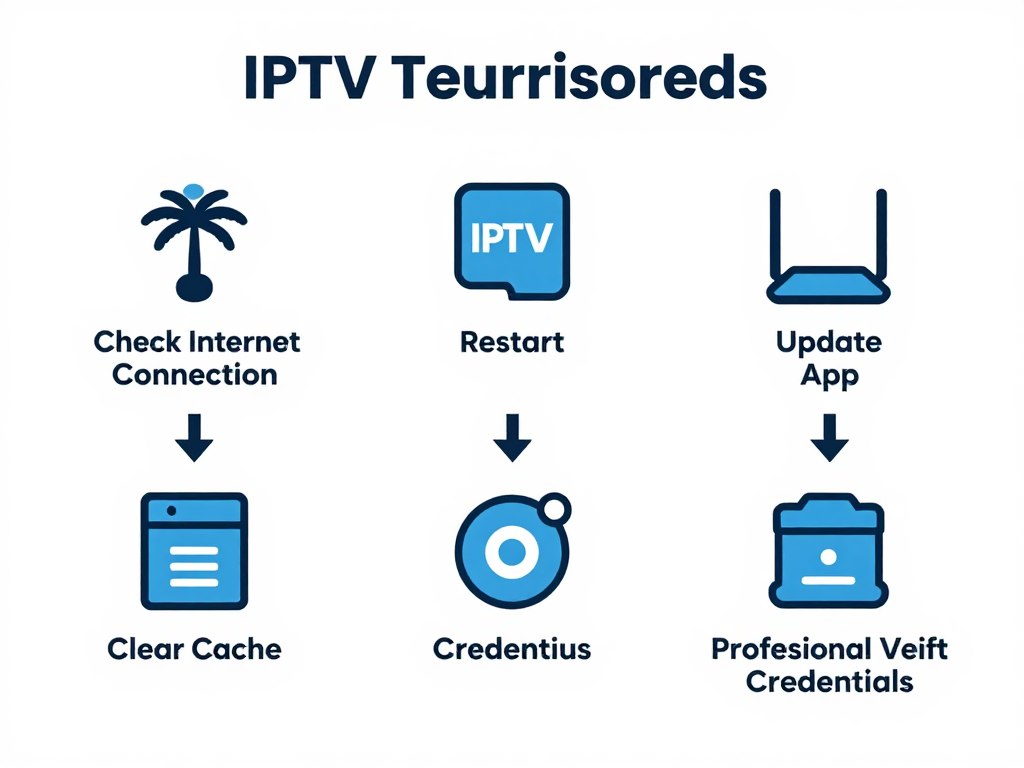
App installation failures usually indicate insufficient device storage. Delete unused apps or files to free space. Restart your device and retry installation. Update your device operating system if installation continues failing.
Login credential errors require password verification. Use the forgot password feature to reset if necessary. Check for typing errors in username or email. Contact customer support if problems persist after verification.
Buffering problems typically stem from internet speed issues. Test your connection speed using online tools. Close other devices using your network. Contact your internet provider if speeds consistently fall below required levels.
Maximizing Your IPTV Streaming Experience
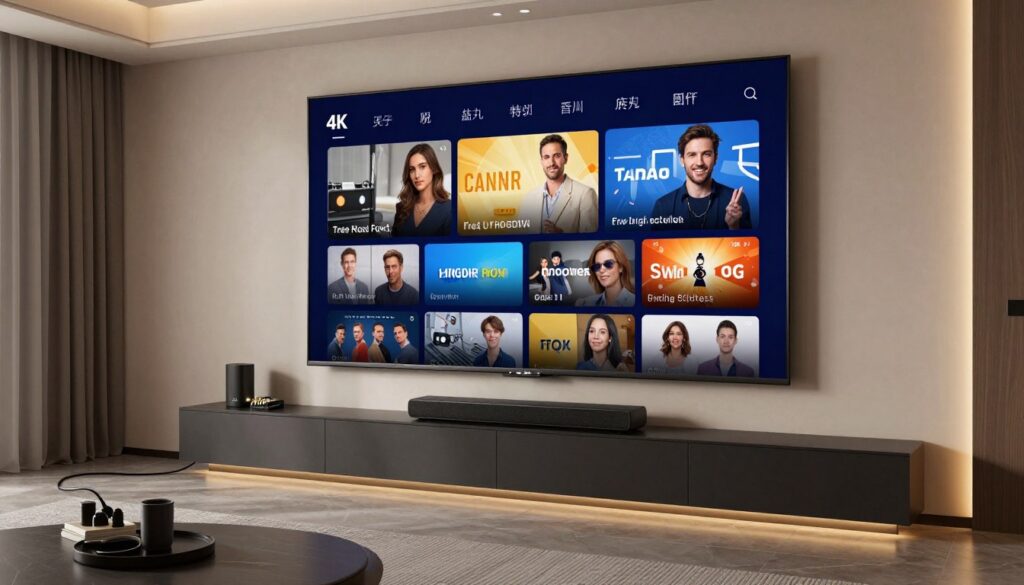
Getting the most from your IPTV service requires optimization. Simple adjustments dramatically improve quality and usability. These strategies enhance your daily viewing experience.
Internet Connection Optimization
Bandwidth directly affects streaming quality. Minimum speeds support basic viewing. Higher speeds enable multiple simultaneous streams at maximum quality. Contact your provider about faster plans if experiencing consistent buffering.
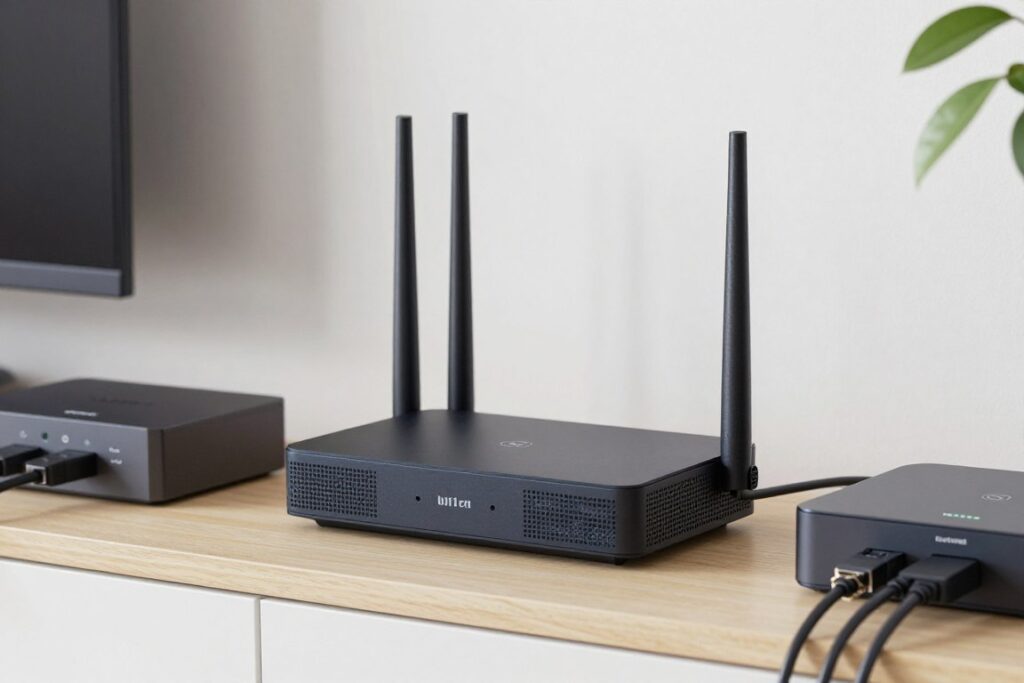
Router placement significantly impacts WiFi performance. Position routers centrally in open spaces. Avoid enclosed cabinets or corners. Elevate routers off the floor for better signal distribution. These adjustments often solve streaming issues without additional cost.
Creating Organized Channel Lists
Favorites lists streamline channel navigation. Add frequently watched channels to custom lists. Organize favorites by category such as sports, news, or movies. This organization eliminates scrolling through thousands of channels.
Remove unwanted channels from your main guide. Most apps allow hiding channels you never watch. This customization creates a personalized viewing experience. Finding preferred content becomes faster and easier.
Utilizing DVR Features Effectively
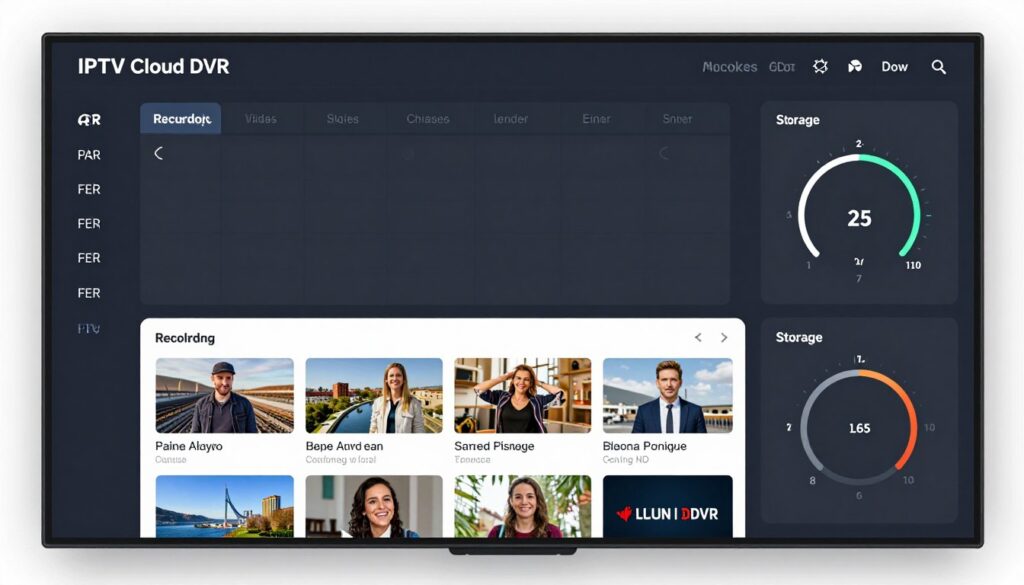
Schedule recordings for series and recurring programs. Set recordings for entire seasons rather than individual episodes. This automation ensures you never miss new episodes. Recordings appear automatically in your library after airing.
Utilize series management features to organize recorded content. Create folders for different shows. Delete watched episodes to maintain organization. These simple habits keep your library manageable and accessible.
Exploring Parental Control Options
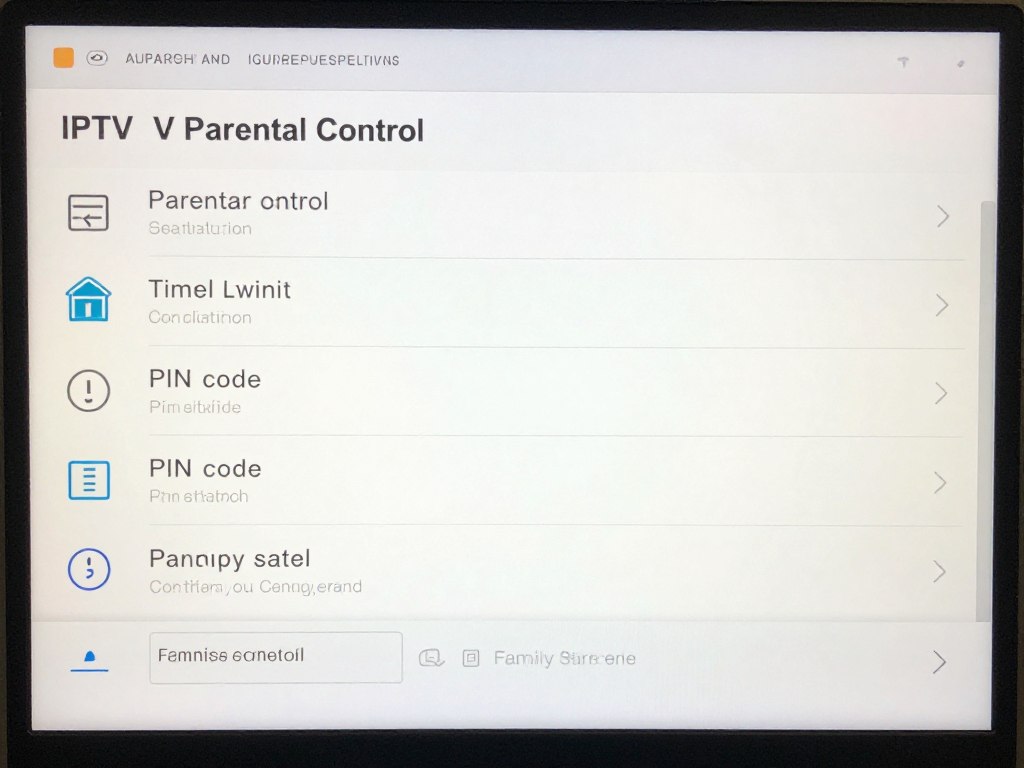
Protect children through comprehensive parental controls. Set PIN codes to restrict mature content access. Create child profiles with age-appropriate content filtering. Schedule viewing time limits to prevent excessive screen time.
Review viewing history periodically to monitor what children watch. Adjust restrictions as children mature. These controls provide peace of mind while allowing age-appropriate independence.
Using Advanced Search and Discovery Tools
Search functions locate specific content instantly. Search by title, actor, director, or genre. Voice search capabilities speed the process on compatible devices. Saved searches can notify you when new matching content arrives.
Recommendation engines suggest content based on viewing history. These algorithms learn your preferences over time. Explore recommended titles to discover new favorites. The system continuously improves suggestions as you watch more content.
Multi-Room Viewing Setup
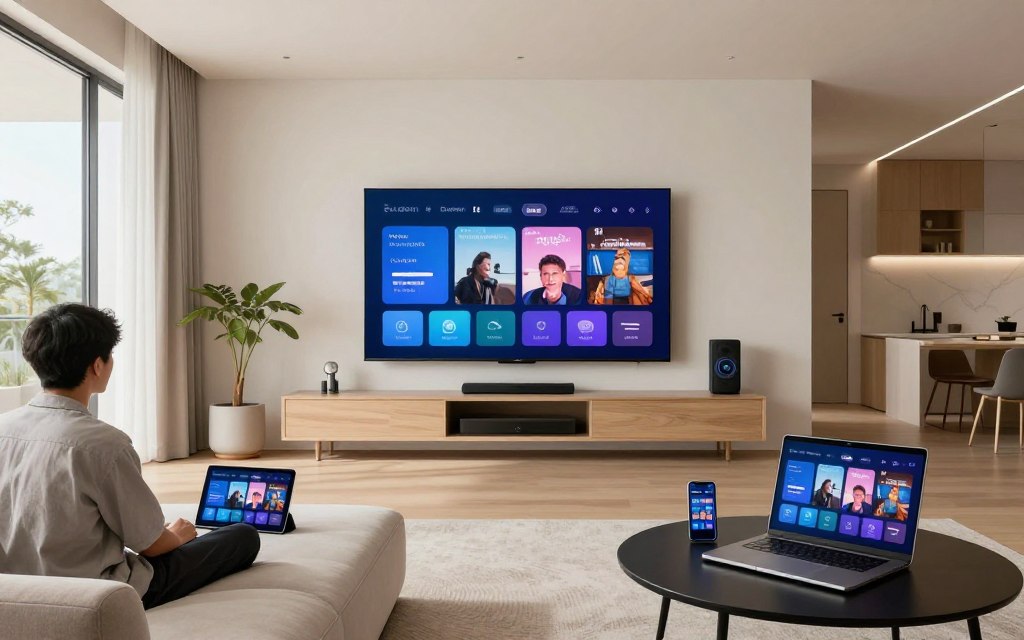
Deploy devices in multiple rooms for whole-home entertainment. Install apps on bedroom TVs, kitchen tablets, and other locations. This setup allows family members to watch different content simultaneously. Everyone enjoys preferred programming without conflicts.
Synchronize watch lists across all devices. Pause content on one device and resume on another. Cloud-based systems maintain viewing progress across your entire device ecosystem. This continuity enhances convenience significantly.
Optimizing Audio and Video Settings
Adjust video settings based on your display capabilities. Enable 4K output on compatible TVs. Configure HDR settings for enhanced color and contrast. Match refresh rates to your TV specifications for smoothest motion.
Audio settings affect the listening experience dramatically. Enable surround sound when using home theater systems. Adjust audio sync if dialog appears delayed. These refinements create immersive viewing experiences.
IPTV vs Cable vs Satellite: Comprehensive Comparison
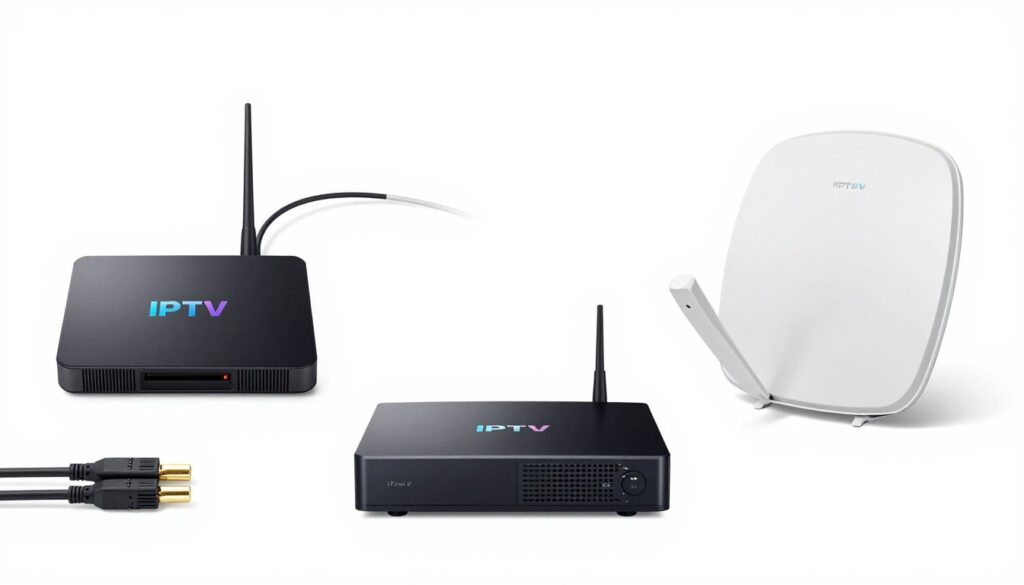
Understanding differences between television delivery methods helps make informed decisions. Each technology offers distinct advantages and limitations. This comparison examines all aspects of each service type.
Cost Analysis and Long-Term Savings
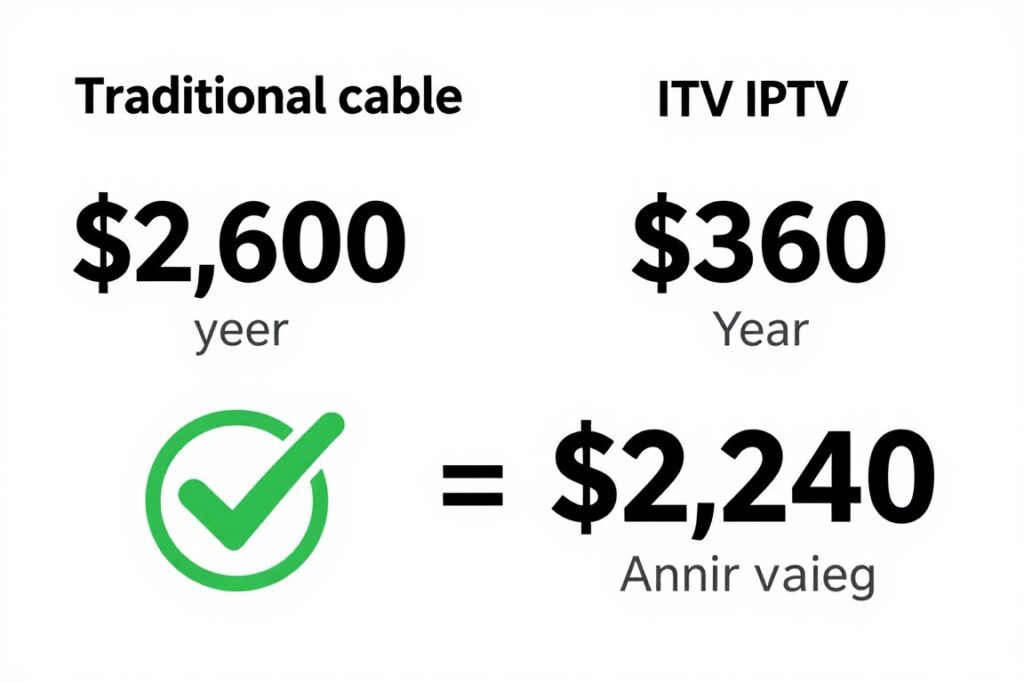
Cable television averages $217 monthly including equipment and fees. Annual costs exceed $2,600 for most households. Installation fees add $50 to $200 upfront. Equipment rental charges continue throughout your subscription.
Satellite TV costs similarly with packages ranging from $100 to $200 monthly. Equipment installation requires professional service at additional cost. Contracts typically lock customers for two years. Early termination penalties reach several hundred dollars.
IPTV services cost $10 to $50 monthly on average. No equipment rentals or installation fees apply. Month-to-month plans allow cancellation anytime without penalties. Annual savings range from $1,500 to $2,400 compared to traditional options.
| Cost Factor | Cable TV | Satellite TV | IPTV Service |
| Monthly Base Price | $100-$150 | $100-$180 | $10-$50 |
| Equipment Rental | $10-$20/month | $15-$25/month | $0 |
| Installation Fee | $50-$200 | $0-$300 | $0 |
| Contract Length | 12-24 months | 24 months | Month-to-month |
| Early Termination Fee | $100-$300 | $200-$500 | $0 |
| Average Annual Cost | $2,400-$3,000 | $2,200-$2,800 | $120-$600 |
Channel Selection and Content Availability
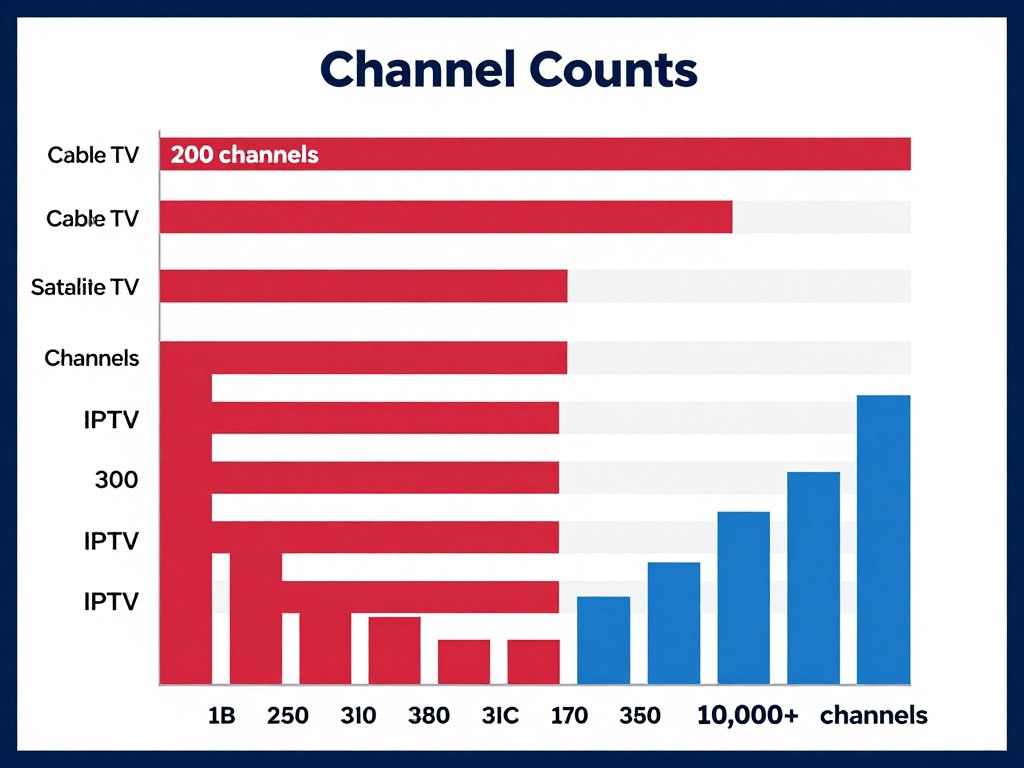
Cable packages typically include 100 to 300 channels depending on tier. Premium packages cost significantly more for additional channels. Many included channels go unwatched. Customization remains limited with bundled packages.
Satellite services offer 200 to 400 channels in their plans. International programming requires specialized packages at extra cost. Channel availability varies by geographic region. Some areas receive fewer options due to licensing restrictions.
IPTV providers deliver thousands of channels including international content. Premium services include 10,000+ channels covering every category. On-demand libraries contain tens of thousands of titles. Content selection dramatically exceeds traditional options.
Device Compatibility and Flexibility
Cable requires proprietary set-top boxes for each TV. Additional boxes incur monthly rental fees. Mobile viewing requires specific apps with limited functionality. Recording requires DVR box rentals at additional monthly cost.
Satellite systems need receivers at each television location. Mobile viewing works through companion apps with restrictions. DVR functionality requires upgraded receivers. Watching in different rooms needs multiple receiver installations.
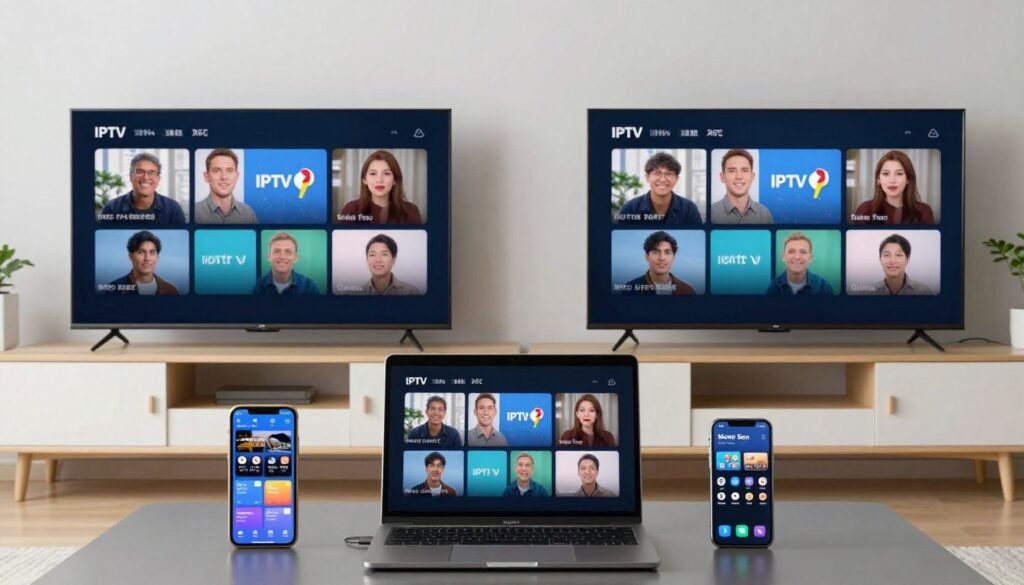
IPTV works on any internet-connected device without proprietary equipment. Watch on TVs, phones, tablets, and computers simultaneously. Apps provide identical functionality across all devices. No additional hardware purchases or rentals required.
Installation Requirements and Setup Complexity
Cable installation requires professional technician visits. Scheduling appointments takes days or weeks. Technicians drill holes and run cables through walls. Setup takes several hours including equipment configuration.
Satellite installation involves mounting dishes on roofs or walls. Professional installation is mandatory for most providers. Weather conditions can delay installation. Setup process typically requires half-day appointments.
IPTV setup takes minutes and requires no professional assistance. Download an app, enter credentials, and start watching. No drilling, cable running, or equipment mounting necessary. Begin streaming immediately after account creation.
Service Reliability and Weather Dependence
Cable reliability depends on physical infrastructure condition. Outages occur during storms or equipment failures. Service restoration requires technician repairs. Backup systems rarely exist for residential customers.
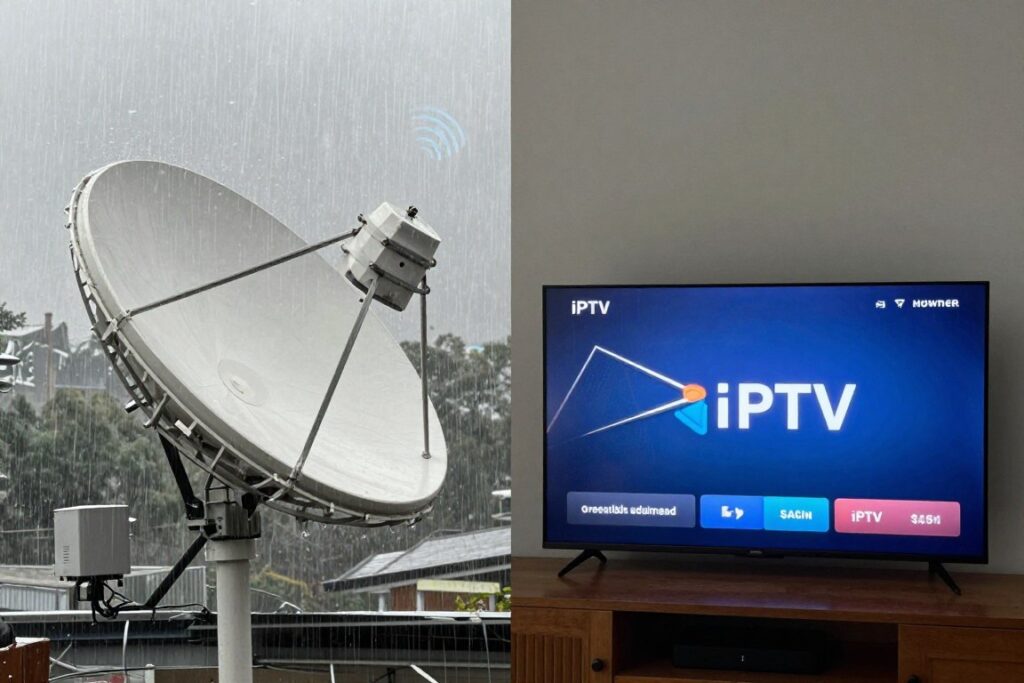
Satellite signals suffer during rain, snow, or heavy cloud cover. This “rain fade” interrupts programming at crucial moments. No workaround exists for weather-related outages. Service returns only when weather clears.
IPTV reliability matches internet connection stability. Modern internet infrastructure provides 99.9% uptime. Redundant server networks prevent service interruptions. Streaming continues regardless of weather conditions.
Contract Flexibility and Customer Freedom
Cable companies impose annual or biannual contracts. Promotional rates expire after 12 months with automatic price increases. Changing plans requires new contracts. Cancellation often involves retention department negotiations.
Satellite providers require two-year commitments with automatic renewals. Missing cancellation windows results in new contract periods. Equipment return is mandatory upon cancellation. Failure to return equipment incurs significant charges.
IPTV services offer month-to-month flexibility without contracts. Cancel anytime without penalties or retention hassles. Pricing remains consistent without promotional tricks. This freedom reduces financial risk significantly.
IPTV Advantages
- Significantly lower monthly costs
- Thousands more channels and content
- Works on all devices without restrictions
- No installation or equipment fees
- Month-to-month flexibility
- Weather-independent reliability
- Watch anywhere with internet
Traditional TV Limitations
- High monthly costs exceed $200
- Limited channel selection
- Requires proprietary equipment
- Professional installation needed
- Long-term contract commitments
- Weather affects satellite signals
- Limited mobile viewing options
Experience the IPTV Advantage Today
Stop overpaying for limited content and restrictive contracts. 2tv.store offers superior channel selection, ultimate flexibility, and incredible savings. See the difference for yourself.
Legal Considerations and Choosing Safe IPTV Services
The IPTV market contains both legitimate services and questionable providers. Understanding legal considerations protects you from potential issues. Choosing reputable providers ensures safe, legal streaming.
Understanding IPTV Legality in the USA
IPTV technology itself is completely legal. The technology simply delivers content through internet protocols. Legality depends entirely on content licensing and distribution rights. Legitimate providers obtain proper broadcasting licenses for all content.
Legal services pay content owners for distribution rights. These providers operate like traditional broadcasters with proper licensing. Subscriber fees support these licensing costs. This model ensures legal, authorized content delivery.
Illegal services distribute copyrighted content without authorization. These providers operate without proper licenses. Using such services may expose subscribers to legal risks. Authorities increasingly target both providers and users of pirated content.
Identifying Legitimate IPTV Providers
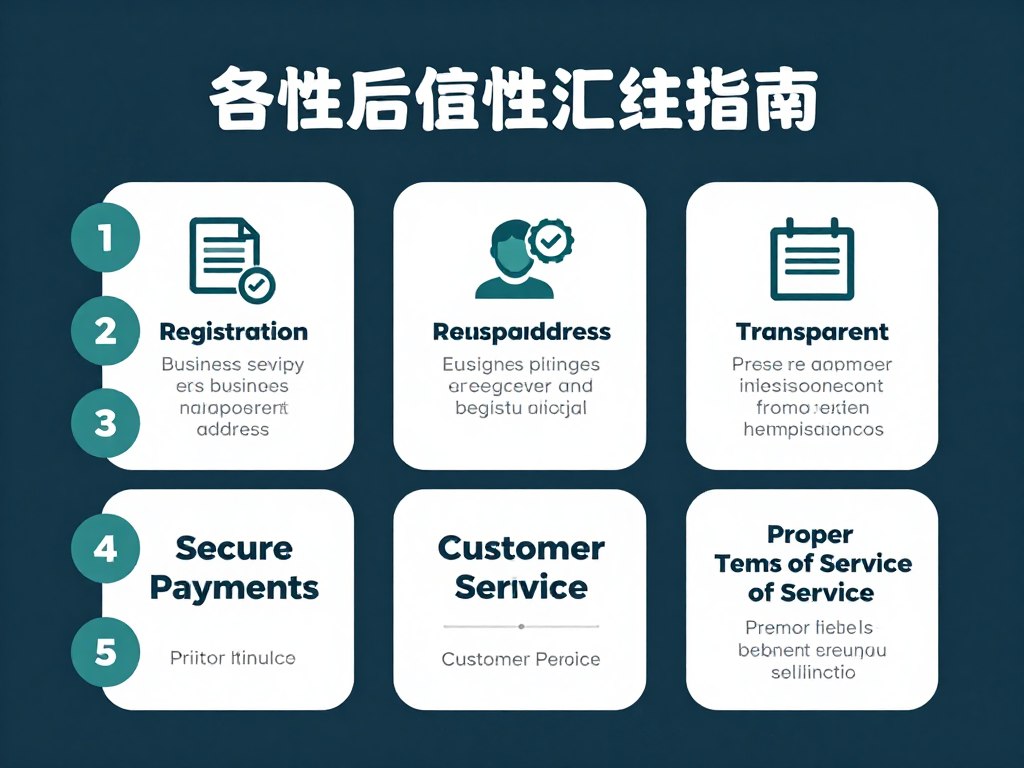
Legitimate providers maintain transparent business operations. They list physical business addresses and contact information. Customer support responds through multiple channels. Terms of service clearly explain all policies and procedures.
Legal services use standard payment processing methods. They accept major credit cards through secure gateways. Avoid providers requiring only cryptocurrency payments or gift cards. These payment restrictions often indicate questionable operations.
Pricing provides important legitimacy clues. Services offering “too good to be true” deals often operate illegally. Legitimate providers charge reasonable rates that support licensing costs. Extremely cheap services rarely obtain proper content authorization.
Red Flags to Avoid: Providers lacking contact information, accepting only cryptocurrency, offering unrealistically low prices, or promising “free” premium content are likely operating illegally. Protect yourself by choosing established, transparent providers.
Privacy and Data Security Considerations
Legitimate services prioritize user privacy and data security. They encrypt connections to protect viewing data. Payment processing follows PCI compliance standards. Privacy policies clearly explain data collection and usage.
Secure providers never sell user data to third parties. They implement strong password requirements and account protection. Two-factor authentication adds additional security. These measures protect both your privacy and financial information.

The Role of VPN Services
VPNs add privacy layers to internet activities. These services mask your IP address and encrypt traffic. Some users employ VPNs for general privacy preferences. VPN usage is legal and doesn’t indicate illegal activity.
Quality IPTV providers work seamlessly with VPN connections. They don’t block or throttle VPN users. This compatibility respects user privacy choices. However, VPNs cannot make illegal services legal.
Content Licensing and Broadcasting Rights
Broadcasting rights determine legal content distribution. Content owners license programming to specific distributors. These licenses specify geographic regions, channels, and terms. Legitimate providers operate within these licensing agreements.
International content requires proper licensing for US distribution. Legal providers obtain rights for all offered channels. This licensing ensures compliance with copyright laws. Subscribers receive authorized content without legal exposure.

Consequences of Using Illegal Services
Copyright infringement carries potential legal consequences. Rights holders increasingly pursue legal action against piracy. ISPs may issue warnings or suspend service for repeated violations. Financial penalties can reach thousands of dollars per violation.
Illegal services often compromise device security. These providers may inject malware or steal personal data. Payment information becomes vulnerable to theft. Technical support is nonexistent when problems occur.
How to Verify Provider Legitimacy

Research providers before subscribing. Search for company reviews and ratings. Check Better Business Bureau listings and complaint records. Verify business registration in their stated jurisdiction.
Contact customer support with questions before subscribing. Legitimate providers respond professionally and completely. Request clarification about licensing and content authorization. Quality providers readily explain their legal operations.
Review terms of service and privacy policies carefully. Legal providers maintain comprehensive documentation. These documents explain all rights, responsibilities, and policies. Absence of proper legal documentation indicates questionable operations.
Technical Requirements and Performance Optimization
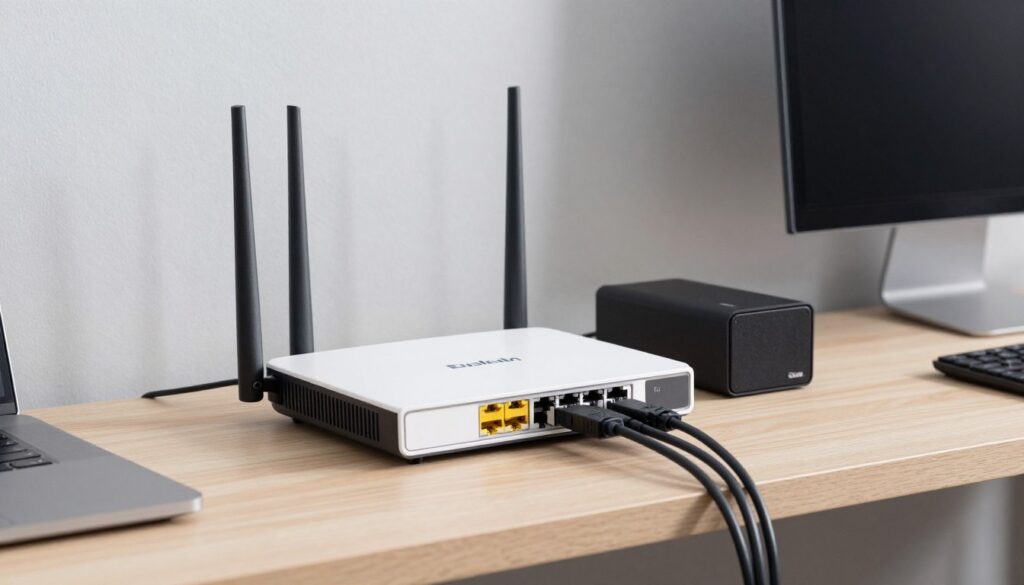
Optimal IPTV performance requires proper technical setup. Understanding requirements helps avoid frustration. These specifications ensure smooth, high-quality streaming.
Internet Speed Requirements by Quality Level
Standard definition streaming needs minimum 5 Mbps per stream. This speed handles basic viewing on smaller screens. Picture quality appears acceptable but not sharp. Multiple simultaneous streams require multiplying this requirement.
High definition requires 10-15 Mbps per stream. This speed delivers clear, detailed pictures on larger displays. Most modern households stream at this quality level. The viewing experience significantly improves over standard definition.
4K ultra-high-definition demands 25-35 Mbps per stream. This quality provides stunning detail on compatible large displays. Internet connections must sustain these speeds consistently. Many households upgrade internet plans specifically for 4K streaming.
| Video Quality | Required Speed Per Stream | Recommended For | Picture Clarity |
| Standard Definition (SD) | 5 Mbps | Small screens, mobile devices | Basic, acceptable quality |
| High Definition (HD) | 10-15 Mbps | TVs up to 50 inches | Clear, detailed images |
| Full HD (1080p) | 15-20 Mbps | Large TVs, home theaters | Sharp, vivid detail |
| 4K Ultra HD | 25-35 Mbps | Large 4K displays | Exceptional detail and color |
| Multiple Streams (3 HD) | 50-60 Mbps total | Households with multiple users | Varies by stream |
Network Infrastructure Optimization
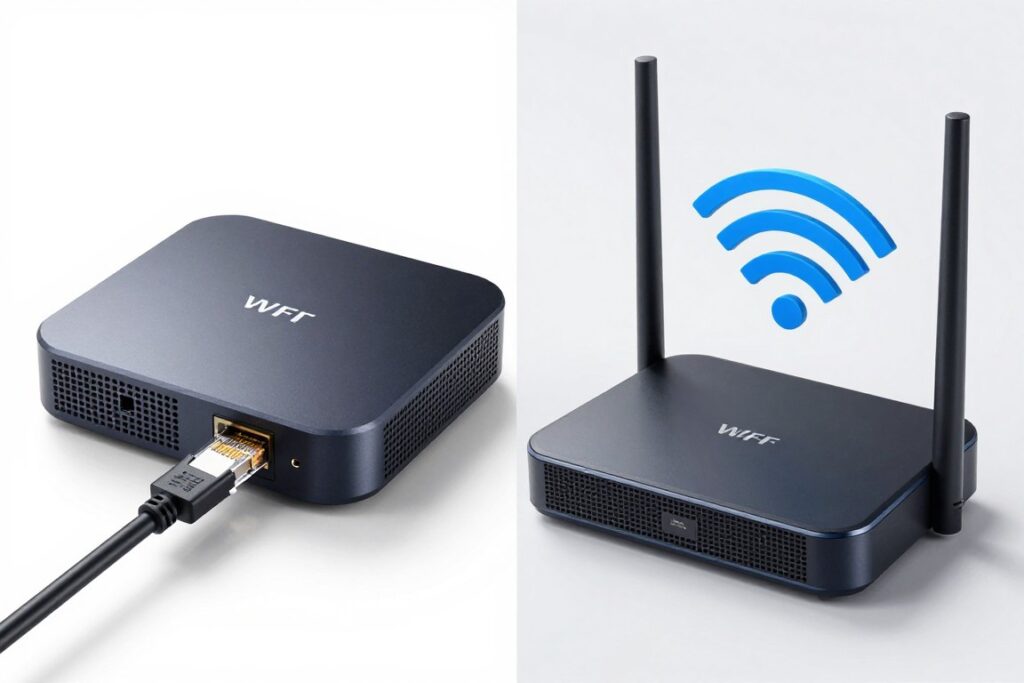
Wired ethernet connections provide superior performance compared to WiFi. Cables deliver consistent speeds without interference. Latency remains minimal for responsive controls. Connect streaming devices via ethernet whenever possible.
WiFi performance varies based on multiple factors. Router quality significantly impacts speed and stability. Distance from router affects signal strength. Physical obstructions like walls degrade connections. 5GHz WiFi bands offer better performance than 2.4GHz for nearby devices.
Router Selection and Placement
Modern routers handle streaming demands better than older models. Look for routers supporting WiFi 5 or WiFi 6 standards. Quality routers provide better range and handle more simultaneous connections. Investing in good networking equipment prevents many streaming issues.
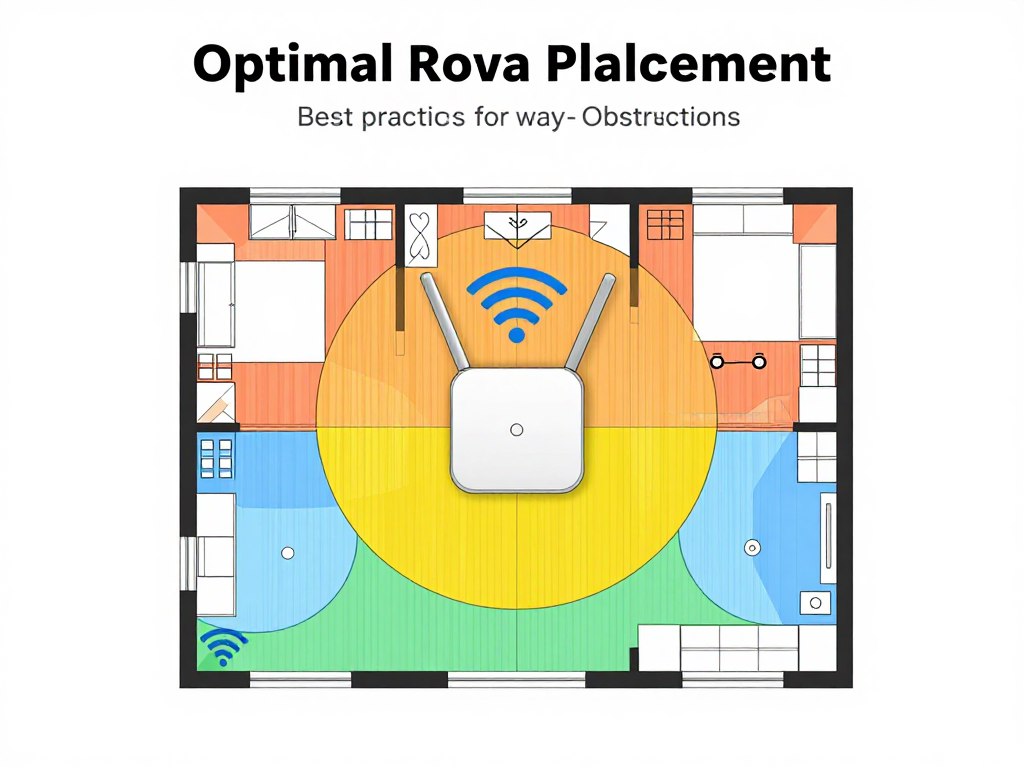
Central router placement maximizes coverage throughout your home. Elevate routers to improve signal distribution. Keep routers away from metal objects and electronic interference sources. Open placement outperforms enclosed cabinet locations.
Device Specifications and Compatibility
Older devices may struggle with modern streaming requirements. Check device specifications against service requirements. Processor speed affects interface responsiveness. RAM quantity impacts multitasking capability.
Storage space matters for apps with download features. Ensure adequate free space for app installation and updates. Display resolution determines maximum viewable quality. 4K TVs require 4K-capable streaming devices for best results.
Reducing Network Congestion
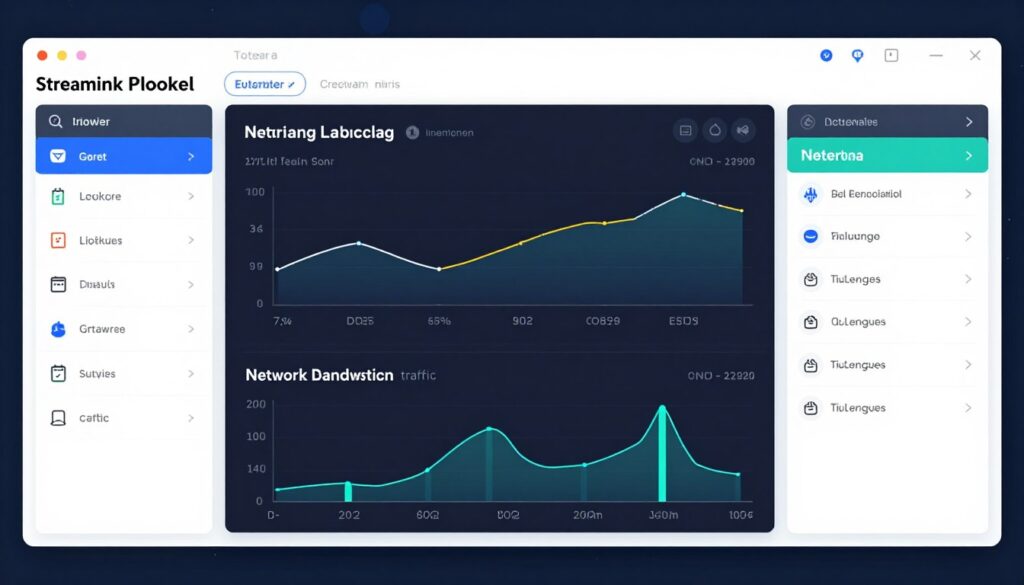
Multiple devices competing for bandwidth cause performance issues. Prioritize streaming traffic through router quality-of-service (QoS) settings. These configurations allocate bandwidth to ensure smooth streaming. Setup requires brief router configuration but significantly improves experience.
Schedule large downloads and updates during non-viewing times. Pause cloud backups while streaming. Disconnect idle devices from your network. These simple habits free bandwidth for active streaming.
Troubleshooting Common Performance Issues
Buffering indicates insufficient bandwidth or network congestion. Test internet speed using online tools. Restart your router to clear temporary issues. Reduce stream quality temporarily if buffering persists.
Audio sync problems often result from device processing limitations. Close background apps consuming resources. Update device firmware to latest versions. Adjust audio delay settings in app preferences if available.
Video quality degradation suggests connection instability. Switch to wired connection if possible. Move closer to WiFi router. Reduce number of simultaneous streams. Contact internet provider if problems continue despite optimizations.
Quick Fix Checklist: Restart streaming device → Restart router → Test internet speed → Close background apps → Switch to wired connection → Reduce simultaneous streams → Contact support if issues persist
Accessing Sports Content Through IPTV
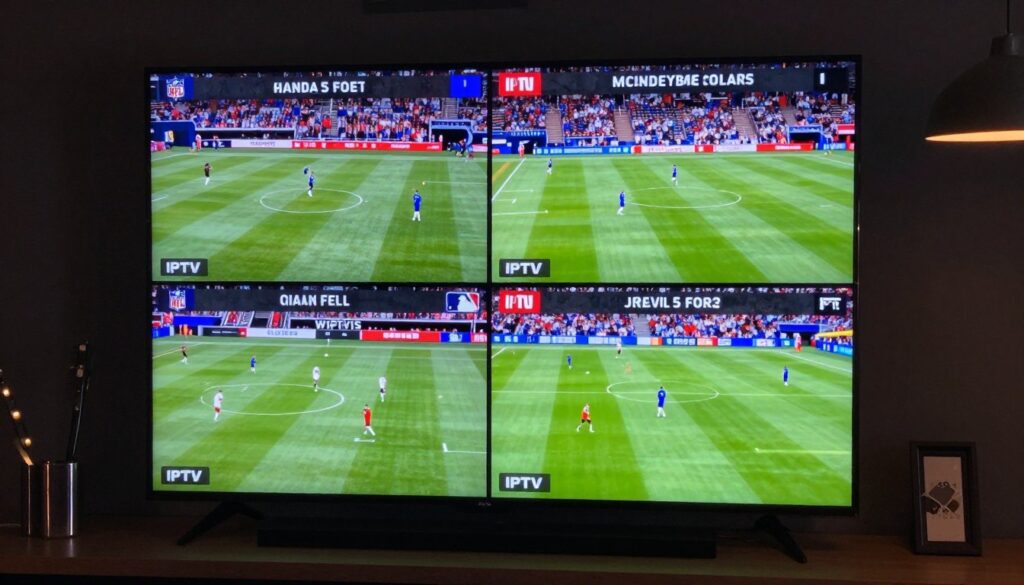
Sports programming represents a major draw for IPTV services. Comprehensive coverage exceeds what cable provides. Fans access every game, match, and event across all major leagues and international competitions.
Major League Coverage
Premium IPTV services deliver every major US sports league. NFL coverage includes all games with regional and national broadcasts. NBA fans watch every team throughout regular season and playoffs. MLB coverage provides all 162 games plus post-season action. NHL access includes every team and game.
Regional sports networks carry local team broadcasts. These channels typically cost extra with cable providers. IPTV services often include these networks in base packages. Fans watch home team coverage regardless of geographic location.

International Sports Programming
Soccer fans access leagues worldwide including Premier League, La Liga, Serie A, and Bundesliga. Cricket coverage includes international matches and domestic leagues. Rugby, tennis, and golf tournaments stream live from around the globe. International sports variety far exceeds traditional cable options.
Combat sports including UFC, boxing, and wrestling appear on dedicated channels. Motorsports coverage includes Formula 1, NASCAR, and MotoGP. Olympic sports and world championships receive comprehensive coverage. This international variety satisfies diverse sports interests.
College Sports Access
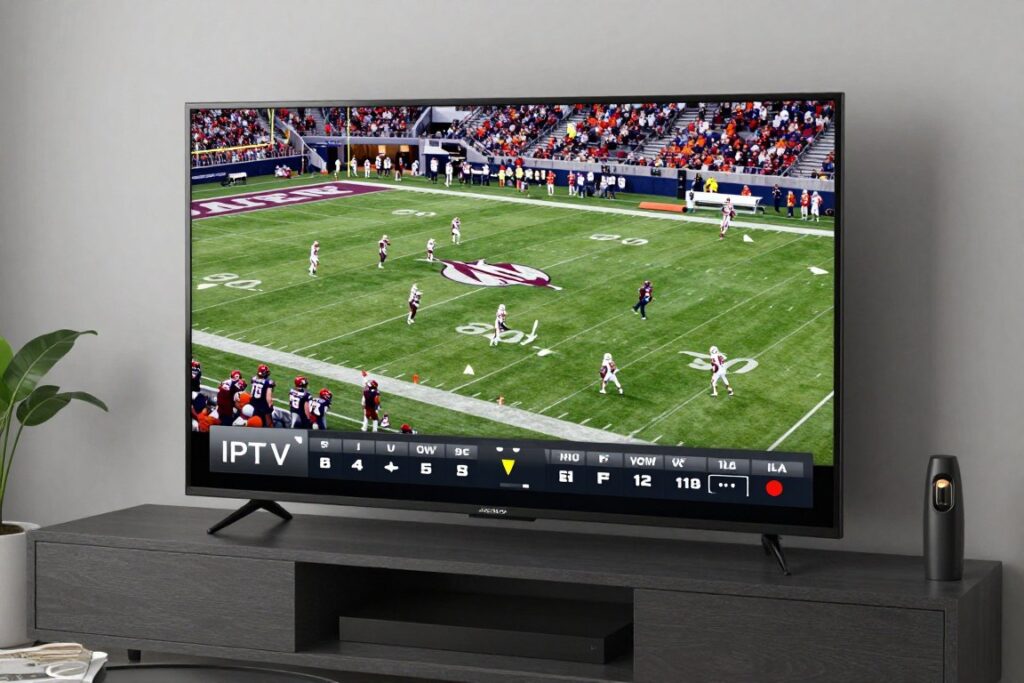
College football and basketball coverage includes all major conferences. Conference networks provide comprehensive game coverage. Smaller conferences and divisions receive attention impossible on traditional TV. Alumni follow their alma mater regardless of team prominence.
Secondary sports like volleyball, swimming, and gymnastics often stream through IPTV. Traditional networks rarely broadcast these competitions. Parents watch their student athletes compete. This access builds strong communities around college athletics.
DVR for Sports Recording
Cloud DVR eliminates conflicts between simultaneous games. Record multiple games airing at the same time. Watch games at convenient times rather than live schedules. Fast-forward through commercials and halftime. This flexibility transforms how fans consume sports.
Series recording captures entire seasons automatically. Never manually set recordings for weekly games. The system handles schedule changes and delayed starts. You maintain complete game archives for favorite teams.
Multi-View Sports Features
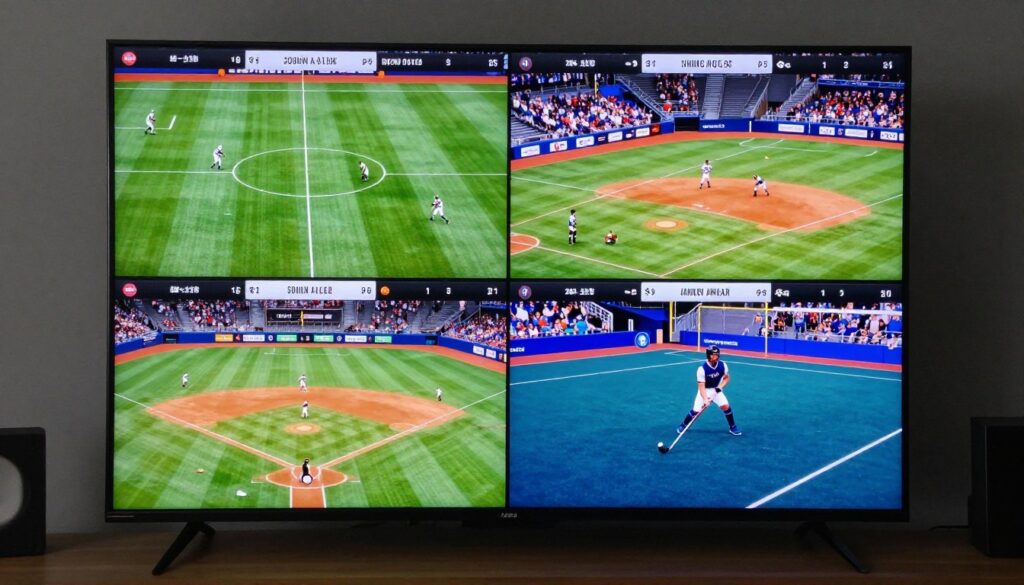
Some IPTV apps support multi-screen viewing. Watch up to four games simultaneously on one screen. This feature benefits sports bettors and fantasy players. Follow multiple games during busy sports weekends. Traditional TV cannot match this functionality.
Picture-in-picture modes overlay one game over another. Watch primary game full-screen while monitoring another. This setup prevents missing crucial plays in multiple games. Customize which audio plays for ultimate control.
Sports Package Value Comparison
Cable sports packages cost $30-$60 monthly above base subscription. Regional sports fees add another $10-$15. Premium sports channels require additional payments. Total sports-related cable costs often exceed $100 monthly.
IPTV services typically include comprehensive sports coverage in standard pricing. No additional sports packages or regional fees apply. This inclusion saves hundreds annually while providing superior access. Sports fans benefit most dramatically from IPTV value.
Movies and Entertainment Content Libraries
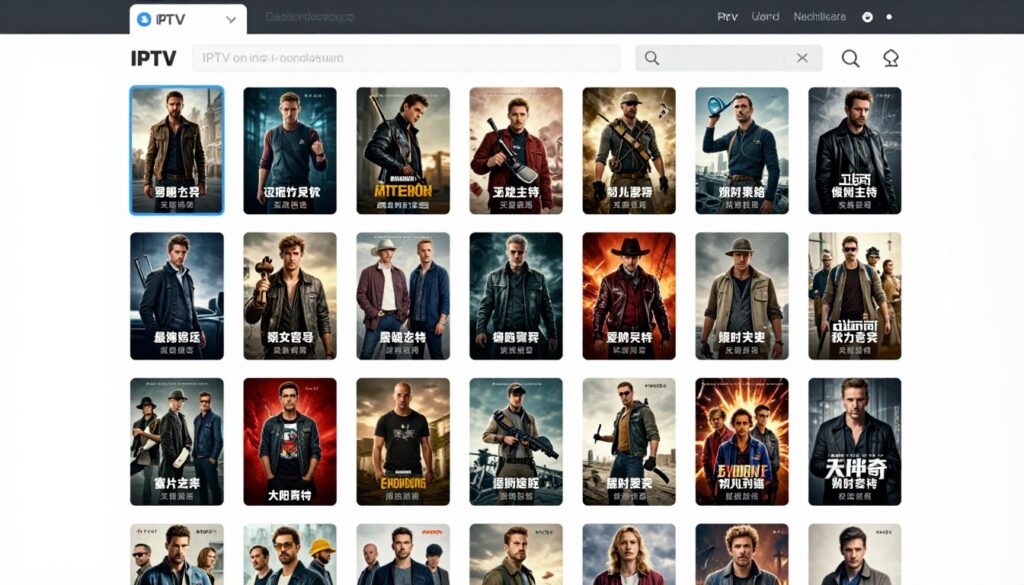
Entertainment content separates quality IPTV services from basic options. Extensive libraries rival major streaming platforms. The combination of live channels and on-demand content provides unmatched variety.
Premium Movie Channels
Top IPTV providers include premium movie networks in base subscriptions. HBO, Showtime, Starz, and Cinemax typically cost extra with cable. These channels deliver first-run movies and original series. The inclusion saves $40-$60 monthly compared to cable add-ons.
Multiple premium channel feeds provide scheduling flexibility. East and West coast feeds offer different airing times. Multiple HBO or Showtime channels play different movies simultaneously. This variety ensures finding something entertaining at any time.
On-Demand Movie Libraries
Extensive on-demand collections contain thousands of movies. New releases appear shortly after theatrical runs. Classic films span decades of cinema history. International cinema provides content from around the world.
Genre organization simplifies finding desired content. Action, comedy, drama, horror, and documentary categories organize efficiently. Subcategories narrow selections further. Search functions locate specific titles instantly. Recommendation engines suggest movies based on viewing history.
Original Series and Exclusive Content
Major premium networks produce acclaimed original series. These shows drive subscriptions for traditional streaming services. IPTV inclusion eliminates need for multiple subscriptions. Access all premium content through one service and interface.
Exclusive content distinguishes premium IPTV providers. Some services negotiate unique programming rights. Original productions appear only through specific providers. This exclusivity adds value beyond simply aggregating existing content.
Kids and Family Programming
Dedicated children’s channels provide age-appropriate content. Cartoon networks, educational programming, and family movies appear in organized sections. Parental controls protect children from mature content. Parents safely allow independent device usage.
On-demand kids libraries contain hundreds of shows and movies. Classic cartoons sit alongside modern animated series. Educational content supplements entertainment programming. This selection keeps children engaged while parents appreciate quality options.

Documentary and Educational Content
Documentary channels provide non-fiction programming across topics. History, science, nature, and biography channels educate and entertain. These networks typically require premium cable packages. IPTV services often include them in standard subscriptions.
On-demand documentary collections explore virtually any subject. Learn about history, explore science, or discover cultures worldwide. Educational content benefits students and curious adults. This library turns television into a learning resource.
International Entertainment
Multicultural households access native language programming. Spanish, Asian, European, and Middle Eastern channels serve diverse communities. News, entertainment, and sports from home countries maintain cultural connections. This international variety remains rare in traditional US television.
Subtitled and dubbed content makes international programming accessible. Language learning benefits from exposure to native speakers. Families maintain heritage language skills through regular viewing. Cultural programming strengthens identity and community connections.
Common Questions About Affordable IPTV in the USA

Potential subscribers often have similar questions about IPTV services. These answers address the most common concerns and provide clarity for informed decisions.
Is IPTV legal to use in the United States?
Yes, IPTV technology is completely legal in the USA. The legality depends on whether the specific service provider has obtained proper licensing for the content they distribute. Legitimate IPTV providers pay content owners for broadcasting rights, just like traditional cable and satellite companies.
Choose providers with transparent business operations, clear contact information, and standard payment processing. These characteristics indicate legal operations. Avoid services offering unrealistically cheap prices or requiring only cryptocurrency payment, as these often operate without proper content licensing.
What internet speed do I need for IPTV streaming?
Minimum internet speed requirements depend on desired video quality. Standard definition requires at least 5 Mbps per stream. High definition needs 10-15 Mbps per stream. 4K ultra-high-definition demands 25-35 Mbps per stream.
For households with multiple simultaneous users, multiply these requirements by the number of concurrent streams. A family with three people watching different HD content simultaneously needs approximately 45 Mbps minimum. Most modern cable and fiber internet plans exceed these requirements. Test your actual speed using free online speed test tools before subscribing.
Do I need special equipment to use IPTV services?
No special equipment is required. IPTV works on devices you already own including smart TVs, streaming boxes like Roku or Fire Stick, smartphones, tablets, and computers. Simply download the provider’s app on your device and log in with your credentials.
If you don’t own a smart TV or streaming device, affordable options start around $30-$50. Popular choices include Amazon Fire TV Stick, Roku Express, or Android TV boxes. These one-time purchases provide access to IPTV and other streaming services. No monthly equipment rental fees apply like with cable.
Can I watch IPTV on multiple devices simultaneously?
Most premium IPTV services support multiple simultaneous streams. The exact number varies by provider and subscription plan. Quality services typically allow 3-5 concurrent streams, meaning different family members can watch separate content on different devices at the same time.
Some budget providers limit simultaneous streams to one or two devices. Check specific provider policies before subscribing if multi-device usage is important. Higher-tier plans often increase simultaneous stream limits. Services like 2tv.store offer generous simultaneous stream allowances to accommodate family viewing needs.
How much money can I save by switching from cable to IPTV?
Average savings range from $150-$190 per month compared to traditional cable TV. Cable bills typically reach $217 monthly including equipment fees, regional sports charges, and broadcast fees. Premium IPTV services cost $10-$50 monthly with no additional fees.
Annual savings typically reach $1,800-$2,280 for most households. These calculations exclude elimination of installation fees, equipment rental charges, and early termination penalties. Actual savings vary based on your current cable package and chosen IPTV service. Even comparing premium IPTV to basic cable typically saves $100+ monthly.
Will IPTV work with my existing VPN service?
Quality IPTV providers support VPN usage without blocking or throttling connections. VPNs provide additional privacy for all your internet activity, including streaming. Some users prefer VPNs for general privacy reasons unrelated to streaming legality.
However, VPNs may slightly reduce connection speeds due to encryption overhead. Ensure your base internet speed exceeds minimum requirements with adequate buffer for VPN impact. Most modern VPN services cause minimal speed degradation. Legitimate IPTV providers have no reason to block VPN usage, unlike some questionable services that specifically prohibit VPNs.
Can I record shows and games like DVR?
Yes, premium IPTV services typically include cloud DVR functionality. This feature allows recording any live content for later viewing. Cloud storage means recordings are accessible from any device and don’t consume storage on your personal devices.
Recording capacity varies by provider. Many services offer unlimited storage without expiration dates. You can record entire series automatically, capturing all episodes as they air. Fast-forward and rewind controls work during playback just like traditional DVRs. This functionality often exceeds cable DVR capabilities while costing nothing extra.
What happens if I’m not satisfied with the service?
Reputable IPTV providers operate on month-to-month subscriptions without long-term contracts. You can cancel anytime without penalties or early termination fees. Quality providers like 2tv.store offer free trial periods to evaluate service before any payment commitment.
Many providers also include satisfaction guarantees allowing refunds within the first 7-14 days of paid subscription. This risk-free evaluation period lets you thoroughly test stream quality, channel selection, and device compatibility. If you’re unsatisfied for any reason, simply request a refund. This flexibility contrasts sharply with cable companies’ lengthy contracts and cancellation difficulties.
How difficult is it to set up IPTV service?
Setup typically takes less than 5 minutes and requires no technical expertise. The process involves creating an account on the provider’s website, downloading their app on your device, and logging in with your credentials. No professional installation, drilling, or cable running is necessary.
Most providers offer video tutorials demonstrating setup on popular devices. Customer support assists with any setup questions. The process is comparable to installing any app on your phone or smart TV. If you can download Netflix or YouTube, you can set up IPTV. The simplicity represents a major advantage over cable or satellite installation that requires professional technician visits.
Will IPTV work when I travel or live in different states?
Yes, IPTV services work anywhere you have internet connectivity. You can watch your subscription in hotel rooms, vacation rentals, or relatives’ homes across the country. Mobile apps let you stream on phones and tablets while traveling.
This geographic flexibility contrasts with cable that only works at your home address. Students watch subscriptions in college dorms. Business travelers access services from hotel rooms. Snowbirds maintain subscriptions when spending months in different states. Your programming follows you anywhere, making IPTV ideal for mobile lifestyles.

Getting Started with 2tv.store Today
Starting your IPTV journey requires only minutes. The process eliminates complexity associated with traditional television services. These simple steps begin your streaming experience immediately.
Step 1: Visit 2tv.store and Explore Plans
Navigate to the official website at www.2tv.store to review available subscription options. Compare features and pricing across different plan tiers. Each plan includes comprehensive channel access with variations in features like simultaneous streams and premium add-ons.
Transparent pricing displays all costs upfront with no hidden fees. Monthly, quarterly, and annual payment options accommodate different preferences. Longer commitments earn discounts but remain completely optional. All plans include the free trial period for risk-free evaluation.
Step 2: Start Your Free Trial
Click the free trial button to begin your evaluation period. Enter only basic information including email address. No credit card requirement eliminates risk during the trial. You receive immediate access to all features and channels.
The trial period provides sufficient time to thoroughly test service quality. Verify channel selection meets your needs. Test streaming performance on all your devices. Evaluate interface usability and feature functionality. This comprehensive evaluation ensures satisfaction before any payment.
Step 3: Download Apps on Your Devices
Install the 2tv.store app on all devices where you’ll watch content. Smart TV users find the app in their TV’s app store. Streaming device users download from their platform’s store (Roku Channel Store, Amazon Appstore, etc.). Mobile users visit the Apple App Store or Google Play Store.
Search for “2tv.store” in the appropriate app store. Verify you’re downloading the official app by checking the developer name. Install the app following standard procedures. The application downloads and installs within 1-2 minutes.
Step 4: Log In and Start Watching
Open the installed app on any device. Enter your account credentials created during signup. The app syncs your account information automatically across all devices. Your personalized settings, favorites, and watch history remain consistent everywhere.
Browse the channel guide to explore available programming. Add frequently watched channels to favorites for quick access. Test different features including search, DVR, and settings. Begin watching content immediately without additional configuration.
Step 5: Optimize Your Experience
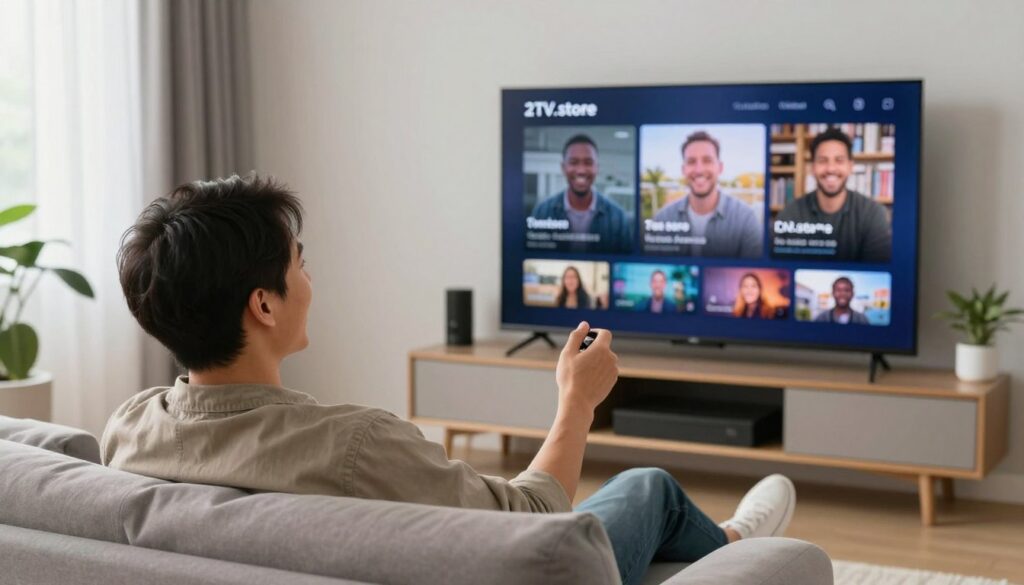
Adjust video quality settings based on your internet connection. Enable automatic quality selection for optimal performance. Set up parental controls if children use the service. Configure notifications for favorite show reminders if desired.
Organize channels by creating custom favorite lists. Hide channels you never watch to simplify navigation. Explore recommended content to discover new programming. Familiarize yourself with DVR recording functions for future use.
Step 6: Evaluate During Trial Period
Use the service normally throughout your trial period. Test streaming during peak evening hours when internet usage is highest. Verify channel availability matches your expectations. Evaluate customer support responsiveness if questions arise.
Compare your experience to previous cable or streaming services. Calculate actual cost savings based on your former bill. Consider the convenience factors like watching anywhere and multi-device usage. This evaluation confirms whether IPTV meets your needs.
Step 7: Choose Your Subscription
Select your preferred plan when ready to continue after the trial. Enter payment information through secure encrypted processing. Choose payment frequency that matches your preference. Complete the subscription to continue uninterrupted service.
Your account transitions seamlessly from trial to paid subscription. No service interruption occurs. Settings, favorites, and recordings remain intact. Begin enjoying the significant savings while maintaining access to premium entertainment.
Your Premium Streaming Experience Awaits
Join thousands of satisfied customers who’ve discovered the perfect combination of affordability, quality, and convenience. Start your free trial with 2tv.store today and transform how you watch television.
No credit card required • Cancel anytime • 14-day money-back guarantee
Conclusion: Making the Smart Switch to Affordable IPTV
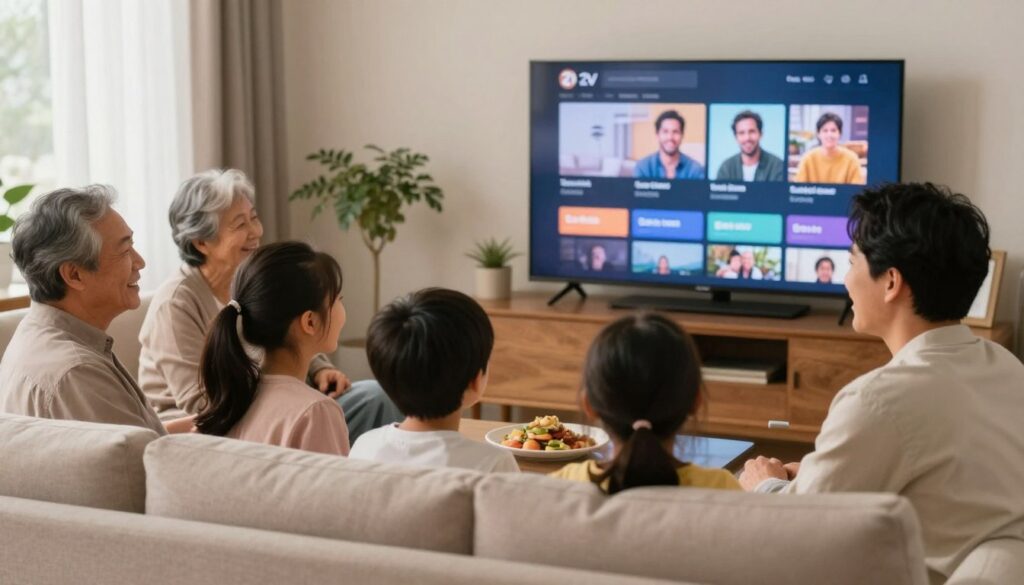
The television landscape has transformed dramatically. Traditional cable and satellite services no longer provide value matching their cost. Affordable IPTV delivers superior content selection, enhanced flexibility, and substantial savings.
Premium IPTV services like 2tv.store combine comprehensive channel lineups with advanced features. Thousands of channels cover every entertainment category. On-demand libraries rival major streaming platforms. Cloud DVR functionality captures unlimited content. Multi-device compatibility means watching anywhere on any screen.
Cost savings represent the most immediate benefit. Monthly subscriptions cost a fraction of cable bills while delivering more content. Annual savings reach thousands of dollars for typical households. These savings occur without sacrificing quality or selection.
Setup simplicity removes technical barriers. No professional installation or special equipment is required. Apps work on devices you already own. Streaming begins within minutes of creating an account. This convenience contrasts sharply with cable installation complexity.
Geographic freedom distinguishes IPTV from traditional services. Watch your subscription anywhere with internet connectivity. Travel without losing access to entertainment. Multiple family members watch different content simultaneously on separate devices. This flexibility matches modern lifestyle demands.
Legitimate providers prioritize customer satisfaction and legal operations. Services like 2tv.store maintain transparent business practices, responsive customer support, and proper content licensing. Free trials eliminate risk from trying new services. Money-back guarantees provide additional assurance.
The decision becomes clear when comparing options objectively. IPTV provides superior value, features, and flexibility compared to traditional television services. Cost savings alone justify switching. Enhanced convenience and content selection make the choice even more compelling.
The future of television viewing has arrived. Cutting the cord no longer means compromising on content or quality. Affordable IPTV represents the optimal solution for modern households seeking entertainment value. The only question remaining is when you’ll make the switch, not if you should.
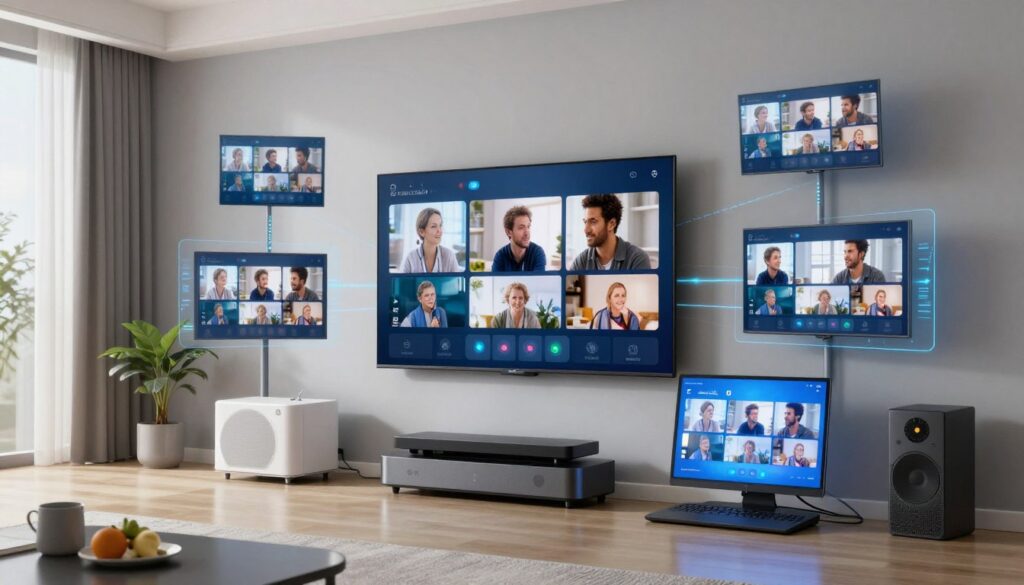
Begin your IPTV journey today with confidence. Free trials allow risk-free evaluation. Responsive customer support assists throughout setup and beyond. Transparent pricing eliminates unwelcome surprises. You control your subscription without long-term commitments or penalties.
Experience the difference that affordable, comprehensive, and flexible television service makes. Join the growing community of satisfied cord-cutters who’ve discovered better entertainment at better prices. Your premium streaming experience awaits at 2tv.store.